What Is SERP Tracking? How Rankings Are Measured Over Time

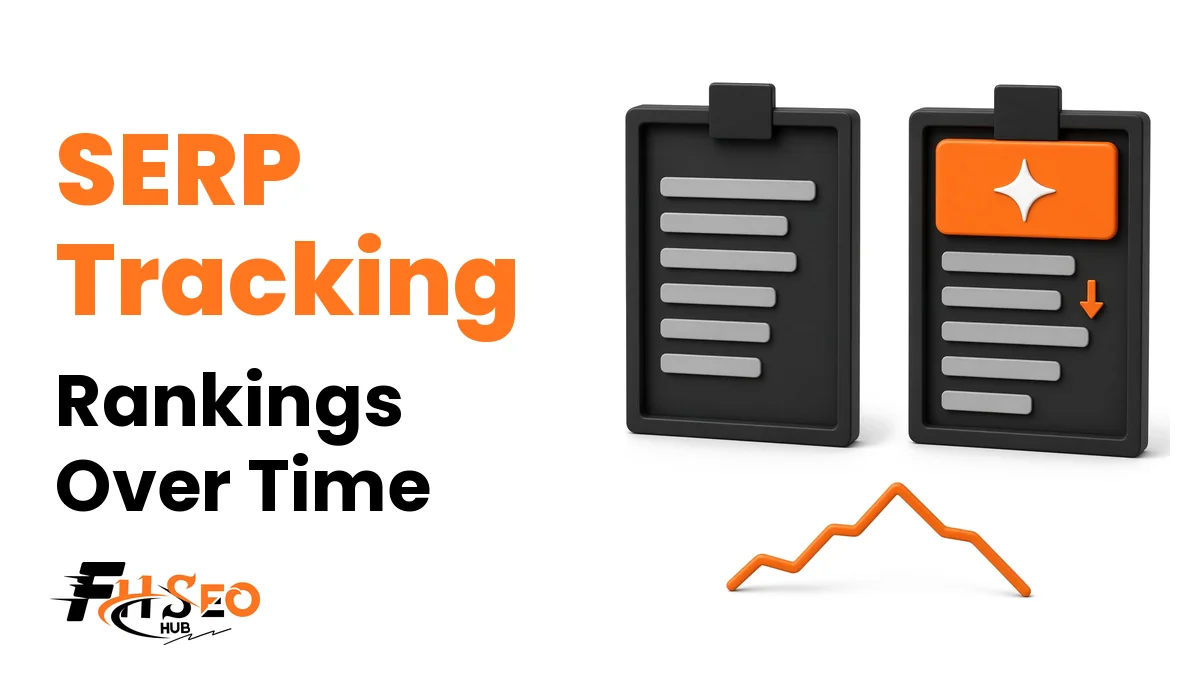
SERP tracking is the scheduled measurement of where your pages appear in search engine results pages for a chosen set of keywords, so you can see how those keyword rankings change over time. It records a consistent, unpersonalized snapshot, not a live view of every searcher.
Teams still treat a single rank as proof that traffic should follow. A page can hold an organic number-one result and still sit below the fold under an AI Overview or a local pack, or lose clicks while the ranking stays put. The rest of this article explains what a rank tracker actually records, why Google Search Console often disagrees, and how to read a position as a useful starting point.
What SERP Tracking Measures on a Search Results Page
SERP tracking measures your organic rankings, and often your competitors’ rankings, for a fixed keyword list on a search engine results page. Each check records the ranking URL, the position, and usually which SERP features appeared, so you can compare one day with the next under the same conditions.
It does not measure every search a person ran. Search visibility in the wild still depends on location, device, and personalization, and on features that sit above the classic ten blue links. The value is the controlled time-series, not a promise that your last check matches what every visitor saw. Used this way, it answers whether a page held, rose, or fell for a query under the conditions you set.
Keyword Rankings Versus the Full Layout of a SERP
Keyword rankings tell you where a URL sat among the organic results. The full layout of the page is a different question. Featured snippets, local packs, People Also Ask, knowledge panels, and AI Overviews can take the space above those results and change how much of the page a searcher sees.
A stable organic rank can still hide a visibility problem. If a new feature appears above you, your link may sit lower on the screen even though your organic rank did not move. That position-versus-visibility gap is why a number alone is a weak stand-in for organic traffic.
Why Location, Device, and Personalization Change the Result
The same keyword can return different pages in different cities, and desktop results can differ from mobile results. Location bias is strong for local and “near me” queries, because Google uses the searcher’s location. Personalization can also raise or lower a site based on search history.
A rank tracker tries to hold those variables still. You pick a location and a device, then repeat the check. That is useful for comparison, but it is not what every searcher saw. If you serve more than one city or get heavy mobile traffic, one unfiltered check will not represent the audience.
How a Rank Tracker Collects a Neutral Baseline
A rank tracker collects a neutral baseline by running the same unpersonalized searches, on a schedule, from the location and device you set. The point is a repeatable condition you can compare over time, not a perfect copy of every personalized results page a customer might see signed in or searching from another city.
Scheduled Checks by Keyword, Location, and Device
Most tools run those checks daily, then store one row per keyword, location, and device. You choose the keyword groups, the countries or cities, and whether the check is mobile or desktop. The tracker records the URL that ranked and the position it held on that run.
How the data is collected should stay in the background. You need a consistent method and a documented setting, not a tour of the pipeline. Daily collection is common. Reviewing the trend once a week is usually enough, unless a major update or a site change gives you a reason to look sooner.
Position History, Visibility Score, and Share of Voice
Position history is the time-series for each keyword: where you stood, which URL ranked, and how that changed after you published or after an algorithm update. It is still easy to overread. One query can jump while the rest of the set stays flat.
Many trackers roll the set into a visibility score or share of voice, so you can see whether you are gaining ground across a group, not just one vanity term. Treat those scores as product metrics. They summarize the list, but they are not a standard Google report, and two tools can calculate them differently.
Organic Rank Versus On-Page or Pixel Position
Organic rank counts your place among the classic organic results. On-page or pixel position counts how far down the screen your link appears, including features stacked above it. A tool may show both, and the default is not always labeled.
The difference matters on busy results pages. Position 1 under an AI Overview or a local pack can still sit below the fold, especially on mobile. If you only watch organic rank, you can report a win a searcher never sees.
Rank Tracking Versus SERP Monitoring
Rank tracking, also called keyword rank monitoring, records where your URLs, and often competitors, stand for a defined keyword set over time. SERP monitoring is the broader layer. It watches the full layout: which features appear, who owns them, and who is winning visibility.
Nightwatch and GrowByData draw that split. Some articles use “rank monitoring” for rank tracking, as Clearscope does, meaning positions over time, not the full-page view. Prompt tracking and AI visibility measure mentions and citations in AI answers, not a 1 to 100 position. Keep that separate.
Why Google Search Console Average Position Differs
Google describes Search Console’s average position as the topmost position your site held, averaged across impressions. It lags two to three days. A rank tracker is one unpersonalized snapshot from a set location and device. Both can be right.
It only includes queries that earned an impression, hides rare queries for privacy, and blends locations and devices unless filtered. A tracker can include keywords you do not yet rank for.
GetCited notes that in September 2025 Google stopped supporting num=100, which many tools used to fetch 100 results at once. Many sites saw desktop impressions fall and average position improve, without matching click changes. Check mid-September 2025 step changes against clicks.
A Practical Setup for Tracking the Right Keywords
A practical setup starts with the keywords that map to real search intent, then splits the checks by device and location, and finally connects positions to clicks. The list should be small enough to review, and stable enough that a week of data means something.
Choose Keywords by Intent, Not Vanity Volume
Build the list around queries that can lead to a visit, a lead, or a sale, including branded and non-branded keywords. High-volume vanity keywords are a poor core set if you cannot win them or they attract the wrong intent.
There is no required keyword count. Nightwatch’s example for a small local business is 50 to 100 terms, a starting range, not a rule. Track the pages you are improving, and watch for cannibalization when two URLs keep swapping for the same query.
Split Desktop and Mobile, and Local Targets
If mobile and desktop rankings differ for your important terms, track both rather than assuming one represents the other. For local work, run the same keyword from each target city or area, instead of relying on only a single national check.
Local rank tracking is about the location of the check, not stuffing a neighborhood name into a title. “Near me” queries are resolved from the searcher’s location, so a national snapshot can look healthy while a key city is slipping.
Add Competitors and Connect Clicks From Search Console
Add a short list of true competitors on the same keywords and locations, so you can see whether a drop is yours alone or a wider shuffle. Competitor rankings give the position context. They do not tell you who received the click.
Connect the tracker to Search Console, or review them side by side, so impressions, clicks, and click-through rate sit next to each position. Google Analytics can show what happened after the click. Search Console is the direct record of appearances.
Review Trends Weekly and Set Alerts for Sustained Drops
Collect the data daily if your tool allows it, then review trends weekly. Look at the group, the ranking URL, and the clicks, not a single night’s movement. Set alerts for sustained drops, a URL change, or a feature appearing or disappearing on terms that matter most.
A one-day swing is often short-term volatility. A week of movement in the same direction, especially with a click change, is worth a closer look.
Mistakes That Make Ranking Data Misleading
Most bad ranking reports come from the same habits: a bloated keyword list, reactions to noise, a blind spot for SERP features, and judging SEO by position alone.
Tracking Too Many Irrelevant Keywords
A huge list feels thorough and usually hides the terms that matter. Vanity keywords, one-off queries, and old campaigns inflate the average and create alerts you will ignore. Keep the set tied to current pages and current intent, and retire terms you no longer act on.
Reacting to Short-Term Volatility
Positions move for reasons that have nothing to do with your last edit, including testing and routine fluctuation. If you change a page after one dip, you will never know whether it would have reversed. Compare a few days, check the URL and features, then decide.
Ignoring SERP Features and AI Overviews
If you only log organic rank, you miss the blocks that push your result down the page or answer the query with no click. Watch whether a featured snippet, local pack, or AI Overview is present, and whether you appear in it. A lost feature can cut traffic.
Judging SEO Only by Position, Not Clicks
A better rank is not the goal if impressions and clicks do not follow. Zero-click searches and crowded features can hold a position steady while traffic falls. Use the position to find a change, then confirm it with Search Console clicks before you call it a success.
Use the Position as a Starting Point, Not the Whole Story
Use SERP tracking to keep a record of how rankings are measured over time, under conditions you control. Then read it beside the page layout and Search Console clicks. The position tells you where to look. The rest of the page and the traffic tell you whether the change mattered.
FAQs
Search Console averages the topmost position across real impressions, including locations, devices, and personalization, and it lags a few days. A rank tracker records one unpersonalized snapshot from your settings. Both can be right.
Daily collection with a weekly review is common practice, and usually enough to spot a real trend without reacting to one noisy day. Look sooner after a major change or a drop you already suspect.
No. Rank tracking measures scheduled positions for a keyword set. SERP monitoring watches the wider page: features, layout, and who is winning visibility. Some writers use "rank monitoring" to mean rank tracking, so check a tool's meaning.
Yes. A stable organic rank can still lose clicks if an AI Overview, local pack, or other feature appears above your result, or if more searches are answered on the page. Check features and clicks before assuming a ranking loss.
Search Console shows queries that already earned impressions, plus clicks and average position, but not a controlled snapshot or competitor positions for terms you do not yet rank for. A rank tracker fills those gaps. Most teams use both.