
Header Tags (H1, H2): Do They Still Matter for Rankings?

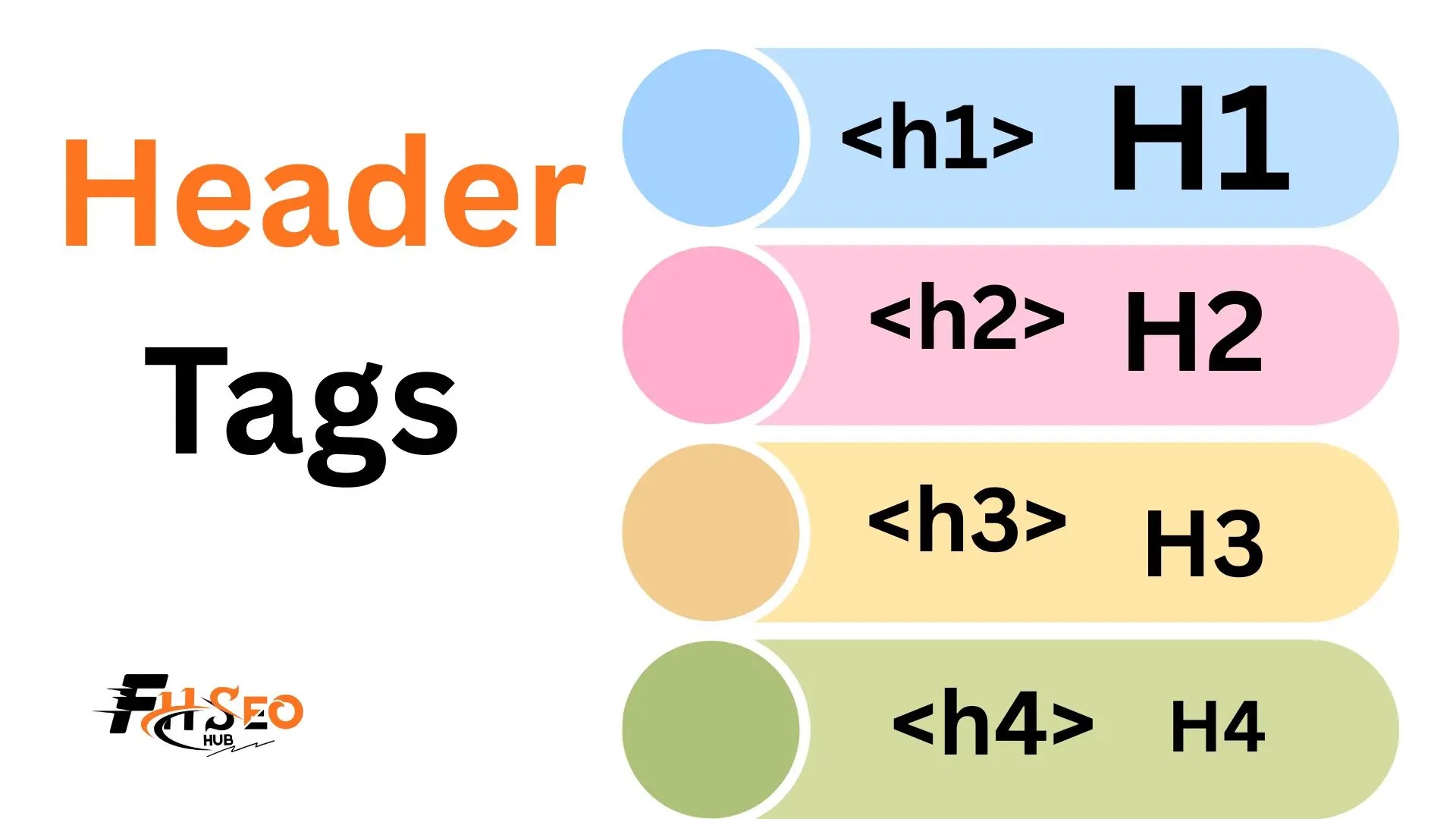
Header tags still matter for SEO, but not as a strong direct ranking factor the way older content claims. Google’s own John Mueller has consistently described these HTML elements as a way for Google to understand page structure and topic coverage, a moderate relevancy signal at best, not a lever that moves rankings on its own the way backlinks or content quality do.
If you have read conflicting advice, one guide calling H1s a powerful ranking signal, another saying they barely matter, here is the honest, sourced answer: what these elements actually do, what the real experiments show, and where the genuine value sits.
What Are Header Tags?

A header tag is an HTML heading element, H1 through H6, that defines the hierarchical structure of a page’s content, similar to how headings and subheadings organize a printed document. Search engines read this markup to understand which text represents the main topic versus supporting sections, and screen readers use the same markup to let visually impaired users navigate a page by heading rather than scrolling through everything linearly.
This heading hierarchy exists independent of visual styling, a heading can be made to look small or large through CSS, but the underlying tag is what search engines and assistive technology actually read, which is why relying on font size alone to signal importance creates real accessibility and semantic structure problems even when a page looks correctly organized to a sighted user.
The Role of Each Header Tag (H1 Through H6)
The H1 functions as the page’s primary heading, typically matching or closely echoing the core topic the page is built to address, while H2 tags mark major sections within that topic and H3 tags mark subsections within an H2. H4 through H6 exist for genuinely deep nesting, most content rarely needs them, and reaching for H4 or lower on a standard blog post or landing page is usually a sign the content itself needs restructuring rather than more heading depth.
Each level should represent an actual step down in specificity, not a styling choice, an H3 that isn’t genuinely a subsection of the H2 above it breaks the logical outline search engines and screen readers both rely on to parse the page correctly.
Title Tag vs. H1 Tag: What’s the Difference?
The title tag is metadata that appears in the browser tab and as the clickable headline in search results; the H1 is the visible on-page heading a reader actually sees at the top of the content. They can say the same thing or something slightly different, and confusion between the two is common since both often contain the same core keyword phrase.
Aligning these two elements has taken on new importance in 2026 specifically. Google confirmed in March 2026 that it’s testing AI-generated headline rewrites in standard search results, a system that can invent entirely new phrasing that never appears on the page at all, a meaningful departure from the older rewrite system that at least pulled replacement text from existing on-page elements like the H1 or anchor text. Pages where the title tag and H1 say roughly the same thing see a measurably lower rewrite rate than pages where the two elements diverge, making this alignment one of the cheapest, most overlooked hedges against Google altering how your page’s headline actually displays in search results.
Do Header Tags Still Matter for Rankings?
Not as a strong direct ranking factor, despite what a lot of older and lower-quality SEO content still claims. This traces back further than current debate suggests: Matt Cutts gave similar cautious guidance on headings years before Mueller took up the same role, and neither has ever described heading tags the way older link-building-era content sometimes did. Broader correlation research in this space, including work in the tradition of the SEMrush Ranking Factors Study and the Moz Ranking Factors Study, consistently treats on-page heading signals as one input among many rather than isolating them as a standout predictor, the kind of finding that’s easy to state honestly as “correlated, not causal” without pretending a precise weight is knowable. Mueller’s own consistent language describes these elements as helping Google understand a page’s structure and topic coverage, careful phrasing that stops well short of calling them a strong ranking signal, and more rigorous current analysis of confirmed Google factors, including what the 2024 Google API leak revealed, categorizes keyword presence in headings as a weak relevancy signal at most, not a lever worth restructuring content around. The leak’s most discussed confirmed attributes centered on link-based and click-based signals like NavBoost rather than surfacing heading tags as a distinctly weighted ranking factor on their own.
The available controlled testing backs this up rather than contradicts it. The Moz H1 experiment, a controlled test swapping H1 tags for H2 tags on live pages, found no statistically significant ranking difference between the two, direct evidence against treating the H1 specifically as some kind of ranking-critical element. Where testing does show a real, measurable effect is title-and-heading alignment rather than heading presence alone: SearchPilot’s controlled A/B split test found meaningful traffic gains specifically when a page’s title tag and primary heading were brought into closer alignment, a different claim than “H1 tags rank pages” and a more precise one. The honest framing: these elements are structural and relevancy signals search engines lean on for understanding, not a ranking lever with independent pulling power the way link authority or genuine content depth are.
Why Header Tags Matter Beyond Direct Rankings
The stronger case for these elements has never really been about direct ranking weight, it’s about everything ranking depends on indirectly. Clear heading structure improves scannability and reduces pogo-sticking, since a visitor who can immediately see the page addresses their search intent is far less likely to bounce back to the results page, and search engines increasingly use that engagement pattern, along with dwell time on the page, as a quality signal even when they don’t credit the heading itself directly. RankBrain and the machine-learning ranking systems that followed it were built specifically to interpret this kind of behavioral and contextual signal, which is part of why any ranking correlation study tying headings to rankings tends to be indirect, running through engagement metrics rather than heading presence alone.
Well-structured headings are also what search engines pull from when generating featured snippets, particularly list and table formats extracted directly from properly marked-up sections, meaning heading structure indirectly drives one of the more visible SERP wins available. Screen reader accessibility is the other genuine, non-negotiable reason this matters regardless of any ranking debate: assistive technology users navigate primarily by jumping between headings, and a page with a broken or missing hierarchy is a real usability failure independent of what it does or doesn’t do for rankings.
How to Structure Your Headings Correctly
Build your heading hierarchy the way you’d build a document outline, one H1 stating the core topic, H2s for each major section that topic naturally breaks into, and H3s only where a specific H2 genuinely needs subdivision rather than by default. Skipping levels, jumping from an H2 straight to an H4 because it visually matched a desired font size, breaks the logical structure screen readers rely on even though most sighted visitors would never notice the gap.
Keep keyword placement natural rather than forced, working a genuine target phrase into a heading where it fits the actual sentence rather than wedging it in for the sake of coverage, since keyword stuffing in headings reads as awkward to both human readers and increasingly sophisticated content-quality evaluation. WordPress, Wix, and Shopify all apply heading tags automatically based on which block or element type you select in their respective editors, but none of them prevent you from misusing the hierarchy, so the structural discipline still has to come from the person building the page.
How Many H1 Tags Should a Page Have?
One, as an accessibility best practice, not because Google penalizes multiple H1s for ranking purposes. This distinction matters and gets flattened constantly: HTML5 sectioning technically permits multiple H1 elements within separate <section> or <article> elements, and Google’s own John Mueller has confirmed in multiple public statements that multiple H1s carry no ranking penalty at all.
The real reason single-H1 remains the practical standard is an accessibility gap most SEO content never explains properly: browsers never implemented the HTML5 document outline algorithm that was supposed to give each nested H1 its correct contextual depth. In practice, this means screen readers announce every H1 on a page as an equally top-level heading regardless of how deeply it’s nested in the source code, creating genuine navigation confusion for assistive technology users who rely on the heading list to understand a page’s structure. Worth being honest about too: SEO audit platforms flag multiple H1s partly because it’s a clean, binary metric that’s easy to demonstrate value against, fixing “H1 errors” is a common diligence-signaling task in agency site audits and occasionally a talking point used against a previous vendor in a competitive pitch, separate from any actual ranking impact the fix delivers. The practical guidance holds regardless of the reason behind it: use one H1 per page, both because it’s the cleaner accessibility choice and because there’s no upside to fighting a convention this deeply embedded in tooling and workflow for a benefit that doesn’t exist.
How to Add and Audit Header Tags
Adding heading tags in WordPress, Wix, or Shopify typically means selecting the correct heading level from a block or text-style dropdown rather than writing raw HTML directly, though the underlying tag still needs verification since visual theme styling can sometimes decouple from the semantic tag applied.
- Install a browser extension like SEO Quake or use your browser’s built-in inspector to view a page’s actual heading tags rather than relying on how text visually appears.
- Check the Google Mobile-Friendly Test tool, which also surfaces a basic rendered view of page structure useful for a quick sanity check.
- Use a document outline view or heading-list browser extension to see the full H1-H6 sequence in order, immediately revealing skipped levels or duplicate H1s.
- Run a full heading audit across a site’s key templates rather than spot-checking individual pages, since template-level heading errors usually repeat across every page built from that template.
- Fix structural issues first, missing H1s, skipped levels, duplicate H1s, before optimizing heading copy itself, since structure problems affect both accessibility and search engine parsing more than wording choices do.
Best Practices for Writing Headings
· Write headings for the person reading the page first, search engines second — a natural, descriptive heading that clearly states what a section covers outperforms an awkwardly keyword-engineered one, both in readability and in how current ranking systems evaluate genuine relevance.
· This has become more true with each core update since the Helpful Content system folded into core ranking, not less — these updates consistently reward content built for readers over content built to satisfy a structural checklist.
· Match heading phrasing to real search intent where it fits naturally.
· A question-format H2 works well when that section directly answers a common question.
· Forcing every heading into question format regardless of content, just to chase featured snippet formatting, reads as mechanical.
· Avoid custom header graphics rendered as images with no underlying text heading behind them — search engines and screen readers can’t read text baked into an image file, a genuine accessibility and semantic structure failure.
· Keep headings reasonably concise and front-load the key term or concept where it fits naturally.
· Scanning readers and extraction systems both favor a heading that states its point immediately over one that builds up to it.
Header Tag Mistakes and How to Fix Them
Skipping heading levels for visual reasons, jumping from H2 to H4 because the H3 style didn’t match a desired look, is one of the most common and easiest to fix mistakes, correctable by adjusting CSS styling on the correct semantic tag rather than choosing a heading level for its appearance. Multiple, genuinely competing H1s that represent different topics rather than legitimate nested sections is a different problem than the HTML5-permitted sectioning case covered earlier, and consolidating those into one clear primary H1 with proper H2 subsections resolves both the accessibility confusion and any lingering topical ambiguity.
Keyword-stuffed headings that repeat a target phrase unnaturally across multiple heading levels read as manipulative to both readers and current content-quality evaluation, the fix is using genuine topical variation, synonyms and related phrasing, across headings rather than the identical exact-match string repeated at every level. Headings rendered as custom header graphics with no real text tag underneath need the underlying HTML heading restored, even if that means adjusting the visual design to accommodate real, styleable text rather than an image.
Real-World Examples of Well-Structured Headers
The Wikipedia heading example remains one of the clearest real-world illustrations of disciplined heading hierarchy at scale, every article follows a consistent H1-for-title, H2-for-major-section, H3-for-subsection pattern applied across millions of pages, which is part of why Wikipedia content parses so cleanly for both search engines and assistive technology despite covering wildly varied subject matter. This consistency, not any single clever heading trick, is the actual lesson: a genuinely useful heading structure survives site redesigns, template changes, and years of incremental edits specifically because it follows a simple, repeatable logical pattern rather than a bespoke structure optimized for one specific page.
Final Thoughts
Header tags still matter, just not for the reason a lot of outdated content claims. Treat these elements as a structural and accessibility tool that indirectly supports rankings through scannability, reduced pogo-sticking, and featured snippet eligibility, not as a direct lever with independent ranking power. Align your title tag and H1 deliberately given how much more that specific alignment matters now that Google is testing AI-generated rewrites, keep to one H1 per page for the real accessibility reason rather than a fabricated ranking one, and build every heading level as a genuine step down in specificity rather than a styling choice. Get the structure right and the modest ranking benefit follows on its own.
FAQs
Yes, but as a structural and relevancy signal that helps search engines understand page content, not as a strong direct ranking factor. The real value shows up indirectly through scannability, reduced bounce behavior, and featured snippet eligibility.
One, as an accessibility best practice. HTML5 technically permits multiple H1s within sectioning elements and Google has confirmed no ranking penalty for multiple H1s, but browsers never implemented the outline algorithm that would let screen readers correctly interpret nested H1s, so single-H1 remains the practical standard.
The title tag is metadata shown in the browser tab and as the clickable headline in search results; the H1 is the visible heading on the page itself. They often overlap in wording, and aligning them closely has become more important given Google’s current testing of AI-generated title rewrites.
It doesn’t trigger a direct ranking factor the way it might have years ago, but repeating an exact-match phrase across multiple heading levels reads as unnatural to both readers and current content-quality evaluation, working against the same relevance signals a genuinely well-structured heading is meant to support.
Not for ranking purposes specifically, Google has confirmed no ranking penalty. The real cost is accessibility, since screen readers announce every H1 as equally top-level regardless of nesting, creating genuine navigation confusion for assistive technology users.
Yes, indirectly. Google frequently extracts list and table featured snippets directly from properly marked-up sections under a clear heading, meaning solid heading structure increases the odds of winning that visibility even though the heading itself isn’t the direct ranking mechanism.


