
Cloud Based Helpdesk: How It Works, Features, Pricing, and Setup

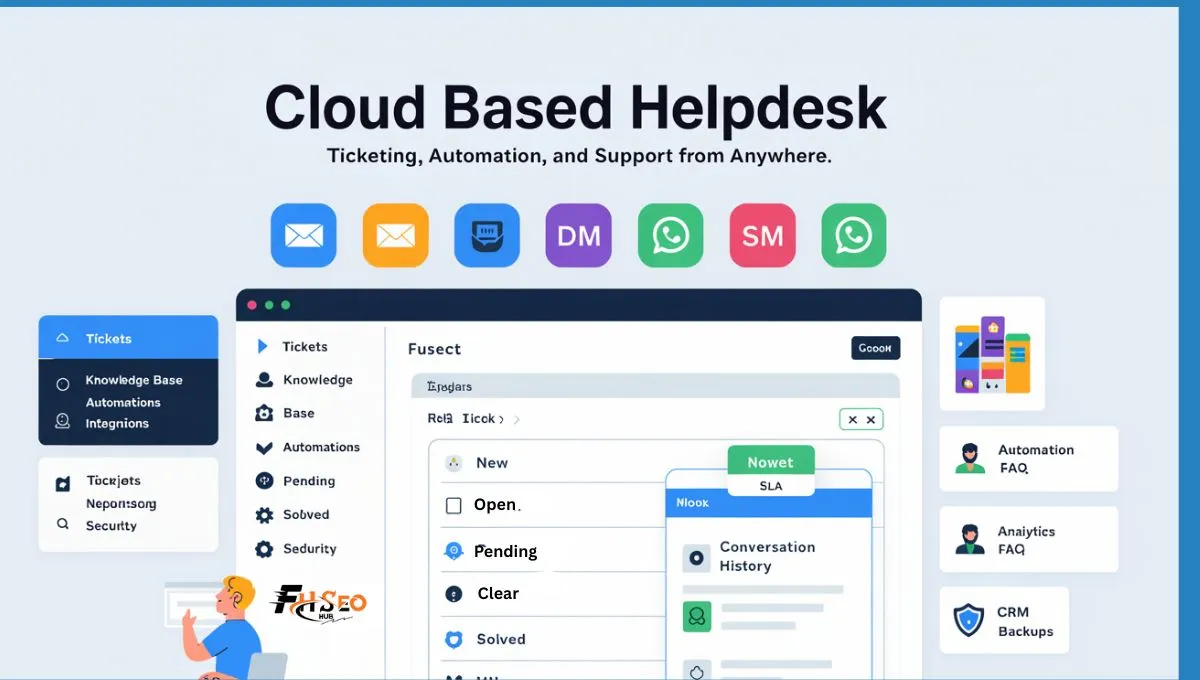
A cloud based helpdesk is an online system that turns every customer message into a trackable ticket, so your team replies faster and nothing gets lost. It works in a browser, so agents can support people from anywhere. It also keeps one clear history per customer, which stops repeat questions and messy handoffs. If your support inbox feels out of control, this is the clean fix. You get routing, reminders, self service, reports, and security without running your own servers.
An Overview
A cloud based helpdesk sits between your customers and your team and makes support feel organized instead of chaotic. People reach out from email, chat, social messages, or a web form, and the helpdesk pulls those requests into one queue. Each request becomes a ticket with a time stamp, a topic, a status, and a full conversation history. That history matters because it stops customers from repeating the same story to different agents. It also helps your team avoid double replies and slow follow ups. Cloud hosting means agents can work across shifts and time zones without VPN headaches. Most teams switch because support work spreads across too many tools and people lose track. A single system fixes that by showing ownership, progress, and next steps on every request.
What Is a Cloud Helpdesk?
A cloud helpdesk is a support platform hosted on remote servers and accessed through the internet. It helps you manage customer questions, service requests, and issues in a structured way. The main building block is the ticket. A ticket is a record of one request, including the channel it came from, customer details, the conversation, files, and status updates. Without a helpdesk, teams rely on personal inboxes and chat threads.
- Requests get buried and no one owns them.
- Replies become inconsistent because agents cannot see the full context.
- Reporting becomes guesswork because the data is scattered.
A cloud based helpdesk solves these problems by making every request visible, assignable, and trackable. It also works for internal teams, like IT and HR, when employees need help with access, devices, or approvals.
How a Cloud Helpdesk Works

Most cloud helpdesks run on a SaaS model. The provider hosts and maintains the software, and your team logs in through a browser or app. A request enters from a channel like email, chat, or a portal form. The system creates a ticket and attaches the customer identity and message details. Rules then categorize the ticket by topic, priority, or product area. Routing assigns it to an agent based on skills, workload, or a simple round robin setup. Agents reply from inside the ticket so the full conversation stays together. Internal notes help teammates coordinate without confusing the customer. If the issue is complex, the ticket can escalate, follow an approval step, or trigger an alert before an SLA breach. Once solved, the ticket closes, but the record stays searchable. That search is not a nice bonus. It is how teams avoid repeating work and spot patterns that keep causing tickets.
Why Cloud Based Helpdesk Software Matters
Support breaks down in the same ways across most businesses. Messages come from many places. Customers follow up because they feel ignored. Agent’s waste time hunting for context. Managers cannot see why queues spike or why response times slip. Cloud based helpdesk software matters because it reduces those gaps fast. It removes the need for on premises servers and the daily maintenance they require. Updates and fixes happen automatically, which helps security and stability. Remote access becomes simple because the tool lives online. It also reduces risk from single points of failure, like one agent mailbox. When support is centralized, ownership becomes clear and customers get answers faster.
Cloud vs On Premise vs Self Hosted Helpdesk
Cloud and on premise helpdesks can look similar on the surface. Both can manage tickets and store history. The difference shows up in operations. On premise systems require server setup, upgrades, backups, and someone to keep it healthy. That means licenses plus internal admin time. Cloud systems shift that work to the provider and usually cost a subscription per agent. For many teams, the biggest win is time. They go live faster and spend less effort on maintenance. Some organizations still choose self hosted options when they need strict internal control or special network rules. If that is you, plan for the ongoing load. You will need patching, monitoring, and reliable backups. For most companies, cloud is the practical choice because it keeps the support team focused on customers, not infrastructure.
Benefits You Feel in Daily Support
A cloud based helpdesk improves day to day work in ways customers notice.
- Response time drops because tickets stop hiding in personal inboxes.
- Coverage improves because agents can work from anywhere.
- Consistency improves because templates and saved replies reduce random answers.
- Scaling gets easier because you can add agents, create views for teams, and expand channels without rebuilding systems.
- Costs become more predictable because you pay per agent and do not buy servers.
Another benefit is accountability. When tickets have owners, due times, and statuses, the team becomes calmer. Customers also feel the difference because they do not have to chase updates.
Ticketing Features That Keep Requests under Control
The best cloud helpdesks make the ticket lifecycle simple and reliable. Tickets should capture the channel, time, customer details, and a clear summary. Status tracking should be easy to understand. Priorities should match business impact, not guesswork. Follow ups and reminders should fire before requests go cold. File attachments should live inside tickets so agents do not dig through email chains. Strong search matters too, including older closed tickets, so your team can reuse past solutions. These basics sound simple, yet many teams suffer because one or two are missing. If your agents keep asking, “Who owns this,” or “Did anyone reply,” you need better ticket controls.
Routing and Workload Balance
A cloud based helpdesk should support routing rules that match your workflow. Skills based routing sends technical tickets to the right agents. Round robin assignment keeps workloads even. Priority routing ensures urgent tickets do not sit behind minor ones. Alerts can warn a manager when a queue grows too large. The goal is not fancy logic. The goal is fewer bottlenecks and less stress. If you notice that the same two agents carry the hardest work, fix routing first.
Omnichannel Support without Confusion
Customers do not care about your tools. They message where it feels easiest. That means email, chat, forms, social DMs, and sometimes SMS or WhatsApp. The problem is fragmentation. One customer might email and then send a message on social when they do not get a quick reply. Without a unified view, teams reply twice or miss the second message. An Omni channel inbox fixes this by keeping every channel in one place and linking messages to the same customer record. It also reduces duplication of effort. Agents see what was already promised and what files were shared. If your team gets frequent “Hello, any update” follow ups, unify channels before hiring more staff.
Self Service That Actually Reduces Tickets
A knowledge base and self service portal can reduce ticket volume, but only when done right. Many teams publish long articles that nobody reads. Good self service uses short answers, clear steps, and simple screenshots. FAQs work best when they address common questions like billing, logins, refunds, and basic setup. Troubleshooting guides help when the product has repeat issues. Community forums can help for complex use cases, but they need moderation and clear labeling. Self service also helps agents. When articles stay updated, support replies become faster because agents link to trusted answers. If your ticket queue is full of repeat questions, build a small set of high impact articles first. Start with the top ten ticket themes and expand from there.
Automation That Saves Time without Annoying Customers
Automation should remove manual work, not create robotic replies. Strong cloud helpdesks offer rule based workflows, triggers, and scheduled actions. A ticket can auto tag based on keywords, route to a team, and set an SLA due time. Follow up reminders can ping an agent before a deadline. Automatic acknowledgments can confirm receipt, but keep them short and helpful. Templates and canned responses help agents reply faster while staying on brand. The key is balance. Over automation feels cold and can frustrate customers. Use automation for triage, routing, and reminders first. Keep human tone for real problem solving.
AI Features That Help Agents, Not Replace Them
Some cloud helpdesks include AI Chabot’s and agent assist tools. The useful parts are practical. A chatbot can handle after hours intake and answer simple questions from the knowledge base. When it cannot help, it should escalate to a ticket with a clear summary. Agent assist tools can draft replies, suggest knowledge base articles, and summarize long threads. Translation can help when you support a global audience. Sentiment signals can warn when a customer is upset, but they are not perfect. Treat them as hints, not truths. The best approach is to keep AI support tied to your real content. If your knowledge base is weak, AI answers will be weak too.
Reporting and Analytics That Improve Support
Support teams need visibility, not gut feelings. Reporting should show ticket volume, response time, resolution time, and backlog trends. SLA compliance helps you see where deadlines are missed. Agent workload reports help staffing and coaching. Channel reports reveal where most issues come from, like email versus chat. Customer satisfaction surveys, such as CSAT, help you see quality, not just speed. The biggest mistake is collecting data and doing nothing with it. Use reports to spot the top issues and fix the root causes. If password resets dominate, improve self service or add an automated flow. If billing tickets spike at renewal time, improve messaging and add a clear FAQ.
Integrations and APIs That Keep Context Together
A cloud based helpdesk works best when it connects to the tools you already use. Common integrations include email suites, team chat, CRMs, billing systems, and analytics tools. When integrated, agents can see customer context like plan level, purchase history, and account status while replying. Some platforms offer marketplaces with prebuilt apps. Others support custom integrations through a REST API. The right choice depends on your stack.
- If you are a SaaS company, CRM and product data matter most.
- If you run ecommerce, order and shipment status matter.
- If you support internal IT, identity tools and asset data matter. Integration is not about having many connections.
It is about connecting the right ones to cut time per ticket.
Security, Privacy, and Compliance Basics
Security is a deal breaker for many buyers. A cloud helpdesk should support encryption, access controls, and audit logs. Role based permissions matter because not every agent should see every detail. Multi factor authentication helps protect accounts. Backups and recovery should be clear, including how data restores work after a failure. Some organizations also need compliance signals like GDPR, HIPAA, or SOC 2. The exact need depends on your industry and customer contracts. Keep security practical. Ask where data is stored, how access is managed, and how logs are kept. Also watch the human factor. Many breaches come from poor access habits, not weak servers. Strong permissions and training reduce that risk.
When You Need ITSM, ITIL, and Asset Management
Not every helpdesk is just for customer support. Internal IT teams need ITSM features. These include incident management, problem management, and change management. SLAs can set deadlines for internal requests. A service catalog can guide employees to request the right service with the right form. CMDB and configuration tracking matter when you manage many systems and need to see change impact. Asset management supports inventory, licenses, and endpoints. Some teams also use remote monitoring tools or PSA workflows, especially MSPs. If you are an IT team, choose a platform that matches your process. If you are mostly customer support, keep it simpler and focus on omnichannel and knowledge base strength.
Pricing and What Drives Cost Up
Most cloud helpdesks use a subscription model priced per agent per month. Plans change based on features like advanced reporting, automation depth, security options, and AI tools. Add ons can raise cost fast, especially for extra channels, analytics, or enterprise controls. Free plans exist in some tools, but they may limit automation or reporting. Free trials help you test real workflows. During a trial, run real tickets across your main channels. Test routing rules, SLA alerts, reporting, and knowledge base search. Pricing is only good when the tool fits your work. A cheap plan that slows agents costs more in the long run.
A Simple 3 Step Setup Plan
Start with provider selection based on your real needs. Focus on channels, routing, reporting, security, and integrations. Next, set up your account with teams, views, ticket forms, and permissions. Add branding to the portal if customers will see it. Connect key integrations so agents have context while replying. Then train agents using real examples. Teach them how to tag tickets, write clear notes, and close tickets properly. After launch, review reports weekly for the first month. Adjust routing rules and templates based on what you see. If you are migrating from another system, clean your data first. Map fields like customer IDs, ticket categories, and tags so history stays useful.
FAQs
Is a cloud based helpdesk the same as a ticketing system?
A ticketing system is one core part. A cloud based helpdesk also adds channels, routing, knowledge base, automation, and reporting.
Can a cloud helpdesk work for internal IT support?
Yes. Many teams use it for incidents and service requests, and some tools add ITSM and ITIL workflows.
What security features should I expect?
Look for encryption, role based access, MFA, audit logs, and clear backup and recovery details.
How do SLAs work in a cloud helpdesk?
SLAs set time targets for response or resolution. The system can alert teams before breaches and route urgent tickets faster.
What integrations matter most?
It depends on your business. Most teams need email and team chat. Many also need CRM, billing, or identity tools.
How long does setup take?
Small teams can go live in a day or two. Larger teams take longer due to workflows, integrations, and training.
What should I test in a free trial?
Test real tickets, real channels, routing rules, reports, and the knowledge base search. Confirm security controls too.


