
Link Velocity Red Flags: How Unnatural Backlink Spikes Trigger Google Penalties (And How to Recover)

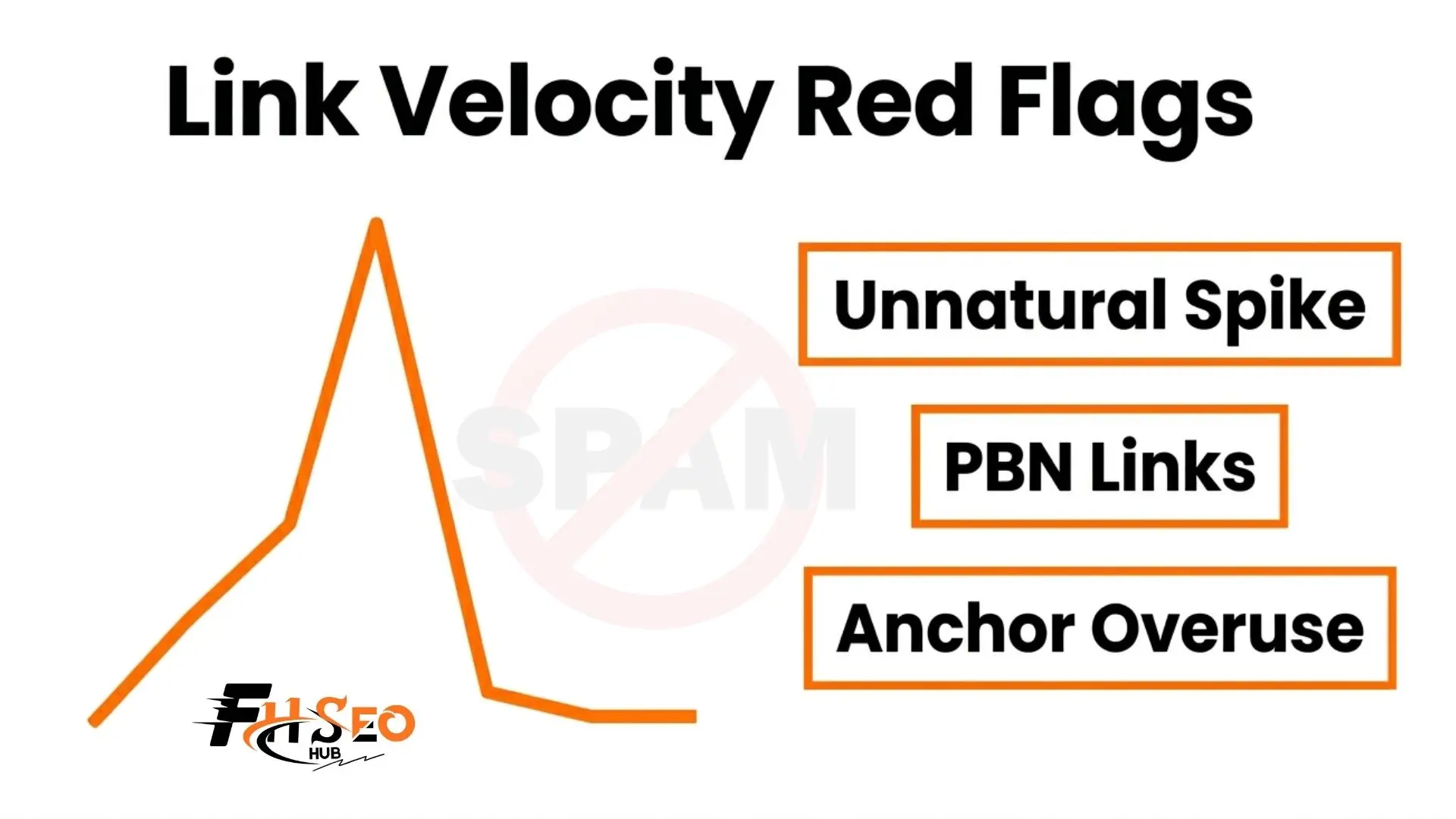
Your rankings dropped overnight. Ahrefs shows 300 new backlinks appeared in 72 hours. You did not build them. What now?
Link velocity red flags are patterns in your backlink profile that Google’s spam detection system reads as manipulation. They can trigger an algorithmic demotion, a manual action or full deindexing. Knowing what these patterns look like, and how to fix them, is one of the most important SEO skills you can have in 2026.
To understand what makes velocity unnatural, start with our guide on what is link velocity and come back here for the problem-solving side.
What Is Unnatural Link Velocity?
Backlink growth becomes unnatural when the speed, source quality, or anchor text pattern cannot be explained by organic content promotion, PR activity, or legitimate outreach.
Two dimensions define it:
The combination of both makes the signal impossible to miss. Google Patent US7346839B2 (2003) stated this directly: “a spiky rate of growth in backlinks may signal an attempt to spam search engines.”
The 7 Link Velocity Red Flags That Trigger Google’s Spam Detection
1: Sudden Unexplained Link Spikes
Your brand footprint determines what a believable backlink growth rate looks like. A startup going from 10 to 400 referring domains in 48 hours with no product launch, no press coverage, and no viral content is a major warning sign.
Google cross-references your backlink growth against brand signals. No search volume increase alongside a link spike tells Google the links are artificial.
2: Low-Quality Linking Sources
Links from PBNs (Private Blog Networks), link farms and auto-generated content sites are the clearest red flags in any backlink audit. In LinkResearchTools, PBN-heavy profiles show an LVT score close to -99%, indicating the domain is sustained by manufactured links rather than real authority.
Links from Fiverr or Upwork bulk services typically come from these exact source types. Five thousand links in 30 days from unknown blogs is not SEO. It is a penalty waiting to happen.
3: Exact-Match Anchor Text Over-Optimisation
When more than 20% of your referring domains use the same exact-match anchor text, that is a manipulation signal. Google expects a natural anchor distribution: brand mentions, partial match keywords, naked URLs, generic phrases and some bare domain links.
An external to internal anchor ratio exceeding 4:1 is another diagnostic flag that Matt Cutts, former Head of Google Webspam, specifically called out during the Penguin update rollout.
4: Irrelevant Linking Domains
A SaaS productivity tool earning 100 links from pharma or irrelevant sites has a topical authority problem. Google’s relevance signals are built around the expectation that your links come from sites related to your niche.
Irrelevant domains dilute your topical authority and raise a clear question: why would these sites link to you organically?
5: Link Spike With No Traffic or Engagement Growth
This is one of the most diagnostic red flags. If your referring domain count jumps by 200 in a month but your organic traffic, branded search volume and user engagement stay flat, Google can see the disconnect.
Real backlink growth from real content earns real visitors. Manufactured link growth does not.
6: 100% Dofollow Link Profile
A natural backlink profile always contains a mix of dofollow, nofollow, UGC and sponsored links. A profile that is 100% dofollow signals that every single link was placed deliberately, with no editorial, comment, forum, or social source involved.
No organic website in 2026 earns backlinks that are exclusively dofollow. If yours does, that is a red flag that needs fixing.
7: Flat line After the Spike
A link spike followed by zero new referring domains over the next 60 to 90 days is the classic signature of a paid link package. Build 500 links in a week, then nothing. LVT in LinkResearchTools drops sharply toward -99%.
Google is exceptionally good at recognizing this pattern. It has seen it millions of times.
Red Flag Checklist
| Red Flag | What to Look For | Risk Level |
| Sudden unexplained spike | 10x referring domains in under 7 days | Critical |
| PBN or link farm sources | LVT near -99%, thin content, unrelated niches | Critical |
| Exact-match anchor overuse | More than 20% exact-match across referring domains | High |
| Topically irrelevant domains | Pharma links to unrelated site | High |
| Spike with no traffic growth | Links up, organic sessions flat | High |
| 100% dofollow profile | Zero nofollow, UGC, or sponsored links | Medium |
| Flatline after spike | No new links for 60-90 days post-spike | Medium |
Common Causes of Unnatural Backlink Growth
Most unnatural velocity problems come from one of these sources:
Real-World Case Study: The Interflora UK Penalty (2013)
Interflora was one of the UK’s largest flower delivery services. High domain authority. Established brand. Real products. None of that protected them.
In February 2013, Interflora ran a campaign offering flowers and gifts to bloggers in exchange for dofollow links. On the surface, it looked like blogger outreach. Under Google’s Spam Policies, it was a paid link scheme.
Google’s response was immediate and complete. Interflora’s website was removed from Google search results entirely. Not demoted. Removed.
Recovery required:
The lesson from Interflora is not that only spammy sites get penalized. It is that any site, regardless of authority or brand recognition, can be completely deindexed for participating in a link scheme.
Google’s link spam detection has improved enormously since 2013. The March 2024 Core Update and the Google Helpful Content Update reinforced that the quality of your backlink profile matters more than ever. What was a detectable pattern in 2013 is almost instantaneously flagged in 2026.
Risks of Unnatural Backlink Growth: The Full Impact
Unnatural velocity does not just hurt rankings. It creates a cascade of problems:
At FHSEOHub, when we audit new clients who have experienced sudden ranking drops, unnatural backlink growth patterns are the cause in the majority of cases we review. The fix is always the same: clean the profile, build legitimate links and wait.
Negative SEO: When the Problem Is Not Your Fault
Sometimes you did not build the bad links. A competitor did.
Negative SEO involves deliberately pointing spam links at a competitor’s domain to trigger Google penalties. Signs that this is happening:
What to do:
- Monitor new backlinks daily in Google Search Console or Ahrefs Site Explorer.
- Document the suspicious domains with screenshots and dates.
- Submit a disavow file only if the links appear to be actively harming your rankings.
Google has stated that most negative SEO attempts are ineffective because its algorithms already discount low-quality links. But monitoring remains important.
How to Diagnose Your Backlink Problem (Step-by-Step Audit)
- Pull your backlink report. In Semrush, go to Link Building > Backlink Audit. In Ahrefs, open Site Explorer and click the Backlinks report. Set filters to show New links over 30, 90, and 180 days.
- Identify spikes. Look for sudden jumps in referring domain count. Note the exact dates and volumes.
- Analyse source quality. Check Domain Authority in Moz, Domain Rating in Ahrefs, and Spam Score for each suspicious referring domain. Flag anything with a Spam Score above 40%.
- Review anchor text distribution. In Ahrefs, go to Anchors. Flag any anchor used by more than 20% of referring domains.
- Check link type distribution. Flag any profile showing 90% or higher dofollow links.
- Compare your LVT. In LinkResearchTools, run the Backlink Profiler and check your LVT score against your top 5 competitors.
- Check for manual actions. In Google Search Console, go to Security and Manual Actions. A manual link spam penalty will be listed here with a description.
For a detailed walkthrough of the full measurement process, read our guide on how to audit your link velocity.
How to Recover From a Link Velocity Penalty (Step-by-Step)
- Run a full backlink audit. Identify every toxic or unnatural domain linking to your site using Semrush Backlink Audit, Ahrefs, or LinkResearchTools DTOX.
- Attempt manual link removal. Contact the webmasters of toxic linking domains and request removal. Document every attempt.
- Compile your disavow file. Format it as plain text with one entry per line: domain:example.com. Group by domain, not individual URL, unless specific pages are the issue.
- Submit the disavow file via the Google Search Console Disavow Tool under your verified property.
- File a Reconsideration Request if a manual action exists. Include your audit documentation, the list of removed links, and your disavow file. Be specific and honest.
- Do NOT stop building legitimate links. Pausing all link building worsens your negative link velocity and signals further decline. Continue earning real links through guest posting on DA 40+ publications, digital PR and niche edits to dilute the toxic links.
- Monitor recovery over 30 to 90 days. Track ranking changes in Ahrefs and organic traffic in Google Search Console. Recovery is rarely instant.
Important warning: The Google Disavow Tool offers no guaranteed results. Algorithmic recovery typically takes 3 to 12 months. Manual action recovery requires a Reconsideration Request, which takes 4 to 8 weeks per review and may require multiple submissions.
The Core Takeaway
Unnatural backlink growth patterns are one of the fastest ways to undo months of SEO work. The seven red flags covered here give you a clear diagnostic checklist. The Interflora UK case shows what happens when even established brands cut corners.
If your backlink profile has a problem, the fix is always the same: audit thoroughly, remove what you can, disavow the rest, and keep building real links. Do not wait for rankings to crash before taking action.


