
How to Measure Link Velocity with Ahrefs, Semrush, Moz and Google Search Console

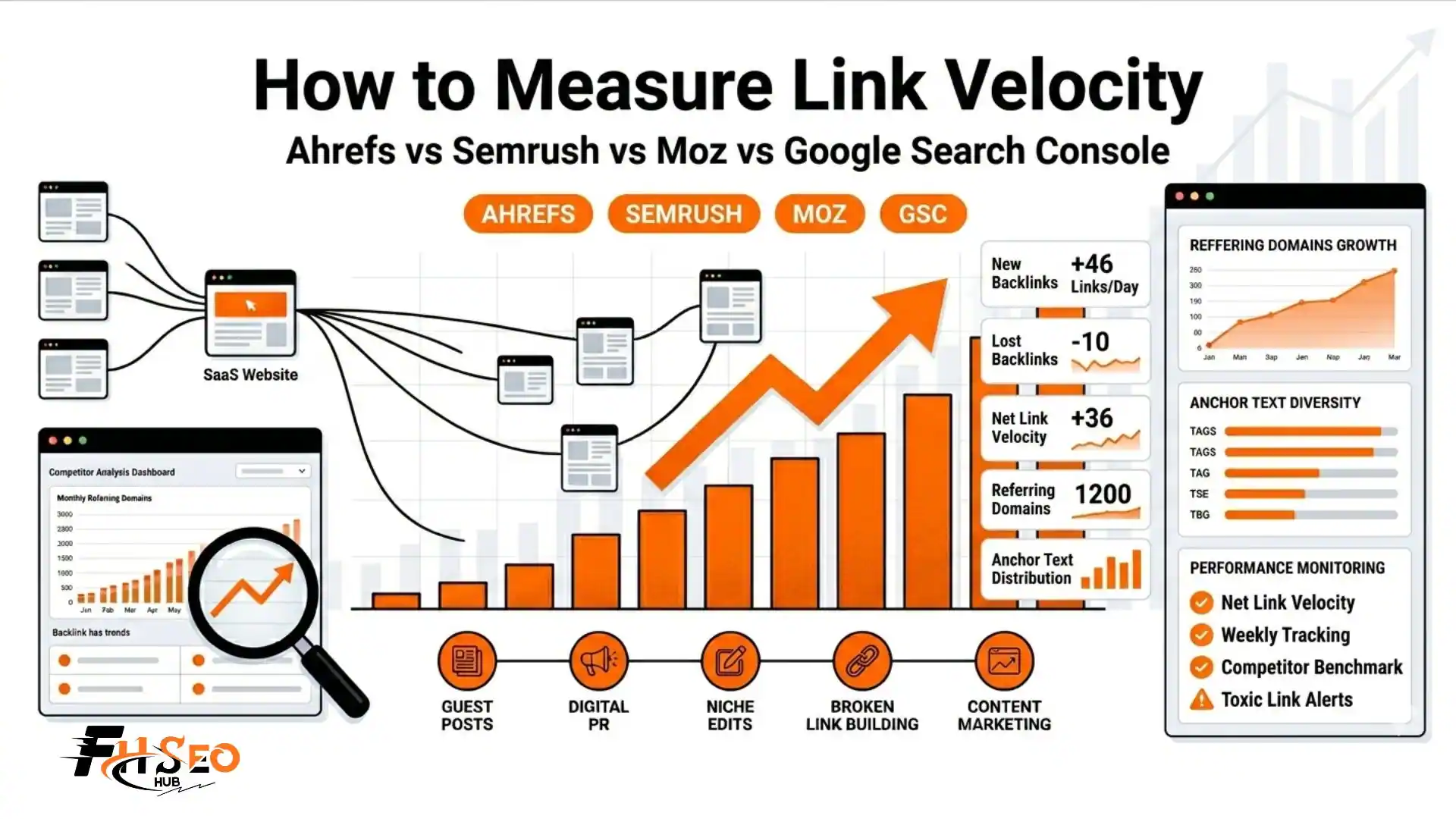
Most guides tell you to track how to measure link velocity but none show you exactly where to click in your specific tool. This guide fixes that.
Below is a complete, step-by-step walkthrough for Ahrefs, Semrush, Moz, Google Search Console, and LinkResearchTools, plus a tool comparison table and a monitoring checklist you can use every week. The formula comes first.
To understand what these numbers mean once you have them, read our guide on what is link velocity for the full context.
The Backlink Velocity Formula
Measuring your backlink growth rate starts with a simple calculation:
Link Velocity = Number of New Backlinks / Time Period in Days
Two real examples:
Net velocity is the more useful figure. It shows actual profile growth rather than raw acquisition. A site gaining 100 new links per month but losing 90 has a net velocity of just 10. That tells a very different story than the gross number.
Track these four metrics alongside raw velocity:
How to Measure Link Velocity in Ahrefs (Step-by-Step)
Ahrefs Site Explorer is the most widely used tool for backlink growth tracking. Here is the exact path.
- Open Ahrefs and go to Site Explorer. Enter your domain.
- On the Overview page, scroll to the Referring Domains chart. Set your date range to the last 30, 90, or 180 days.
- Count the new referring domains added in the period. Divide by the number of days. This is your referring domain velocity.
- In the left menu, click Backlinks. Apply the New filter. Count the total backlinks added in the period. Divide by days for raw backlink acquisition speed.
- Switch the filter to Lost. Note the lost backlink count. Subtract from your new count to get net velocity.
- On Standard tier and above, use the Calendar view to see day-by-day acquisition. This reveals whether your growth is distributed naturally or concentrated in spikes.
For competitor benchmarking: Repeat steps 1 through 5 for each of your top 5 competitors. Note their average monthly new referring domains. Use this as your benchmark, as covered in the SaaS link velocity benchmarks guide.
Ahrefs strengths:
Ahrefs limitations:
How to Measure Link Velocity in Semrush (Step-by-Step)
Semrush gives you both velocity tracking and toxicity detection in one platform.
- Go to SEO > Link Building > Backlink Analytics. Enter your domain.
- Click the Referring Domains tab. The graph shows new and lost referring domains over time. Set the date range to the last 6 months and look for spikes versus steady growth.
- Go to the Backlinks tab. Filter by New or Lost to count acquisition and loss in your chosen period.
- Click the Anchors tab. Review your anchor text distribution. Flag any anchor type appearing on more than 20% of referring domains.
- Check Backlink Types and Link Attributes sections for your dofollow, nofollow, sponsored, and UGC breakdown.
- Use the Competitors tab to discover which domains are also linking to your competitors and compare their monthly referring domain growth against yours.
For toxicity detection: Go to SEO > Link Building > Backlink Audit. Semrush scores each linking domain with a Toxicity Score and flags domains that match known spam patterns. Run this monthly to catch problems early.
At FHSEOHub, when we onboard new SaaS clients, Semrush Backlink Audit is the first tool we run. It surfaces toxic referring domains that are invisible in a standard velocity check but are actively damaging authority scores.
Semrush strengths:
Semrush limitations:
How to Measure Backlink Growth in Moz Link Explorer (Step-by-Step)
Moz Link Explorer is a reliable choice for teams already using Moz for Domain Authority tracking.
- Go to Moz Link Explorer and enter your domain.
- Click Inbound Links. Set the date filter and sort by Discovered date to see links in chronological order.
- Count new links in the period. Divide by days to calculate velocity.
- Go to the Linking Domains section. The graph shows historical trends in referring domain count over time.
- For each suspicious domain in your profile, check the Domain Authority (DA) and Spam Score columns. Flag anything with a Spam Score above 40%.
Moz strengths:
Moz limitations:
How to Check Backlink Trends in Google Search Console (Free)
Google Search Console is the only completely free option and the only one that shows you exactly what Google itself has indexed.
- Sign in to Google Search Console and select your property.
- In the left menu, click Links.
- Under Top Linking Sites, view the domains sending the most links to your site.
- Under Top Linked Pages, identify which of your pages attract the most external links.
- Under Top Linking Text, review your anchor text profile as Google sees it.
GSC limitation: There is no date-based velocity chart. GSC shows a static snapshot of your current link profile, not a time-series view of acquisition speed.
GSC strength: This data comes directly from Google. It reflects the links Google has actually crawled and counted, which occasionally differs from what third-party tools report.
Best practice: Use GSC alongside Ahrefs or Semrush. GSC tells you what Google sees. Ahrefs and Semrush tell you when it happened.
How to Measure Link Velocity Trends Using LinkResearchTools (LRT)
LRT is the only platform offering the proprietary LVT (Link Velocity Trends) metric, trademarked in 2011. It goes beyond raw acquisition counts to measure the direction and momentum of your backlink growth over multiple time horizons.
Understanding the LVT sub-metrics:
| Metric | Time Window | What It Measures |
| LV4m | Last 4 months | Average new linking root domains per month |
| LV6m | Last 6 months | Average new LRDs per month over 6 months |
| LV12m | Last 12 months | Annual average monthly LRD growth |
| LV24m | Last 24 months | Long-term average monthly LRD growth |
| LVT | Trend direction | Compares LV4m against LV24m as a percentage |
LVT range: -99% to +100%
LRT tools that use LVT:
Most People ignore the LVT sub-metrics entirely. Understanding LV4m versus LV24m gives you a two-year trend picture that no other tool provides.
Tool Comparison Summary
| Tool | Key Velocity Metric | Date-Based Chart | Free Version | Best For |
| Ahrefs | DR, UR, Referring Domains | Yes | Webmaster Tools (limited) | Historical data, competitor comparison |
| Semrush | Authority Score, Backlink Audit | Yes | Trial only | Toxicity detection, visual spike analysis |
| Moz | DA, Spam Score | Referring domains graph | Limited free tier | Simple tracking, spam scoring |
| Google Search Console | Top linking sites | No (static only) | Yes (fully free) | What Google actually counts |
| LinkResearchTools | LVT, CLV, LV4m-LV24m | Yes (heatmap) | No | Competitive benchmarking, PBN detection |
What Metrics to Track: Your Velocity Monitoring Checklist
Knowing how to measure link velocity is only useful if you check consistently. Here is a practical cadence.
Weekly:
Monthly:
Quarterly:
Alert triggers to act on immediately:
Once your monitoring routine is in place, the next step is using these numbers to improve. Read our guide on how to build healthy link velocity for the full scaling framework.
The Core Takeaway
Measuring how to measure link velocity accurately takes about 15 minutes per week once your process is set up. The tools covered here each serve a different purpose. Ahrefs for historical depth, Semrush for toxicity and visual analysis, Moz for DA and spam flagging, GSC for Google’s own view and LRT for the only true trend-direction metric available.
Pick two tools that fit your budget. Build the monitoring cadence from the checklist above. Review your competitor benchmark every quarter and adjust your acquisition pace accordingly.


