Ahrefs For Free: The Complete Guide to Ahrefs Webmaster Tools

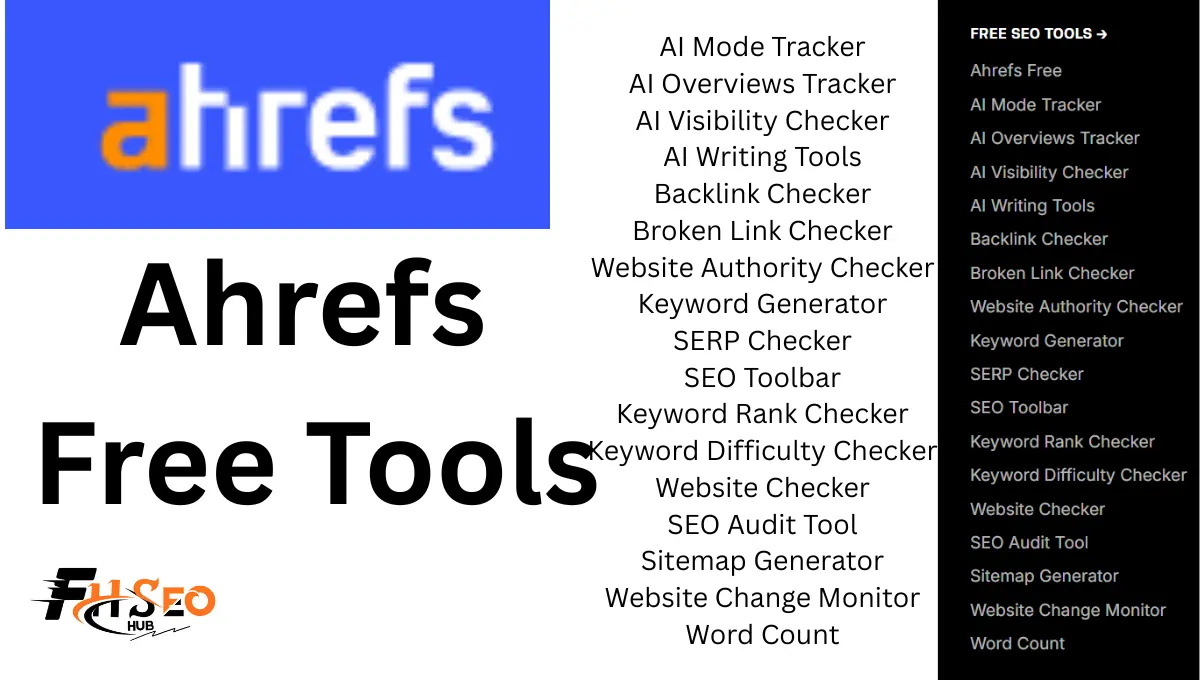
Ahrefs Free, more precisely Ahrefs Webmaster Tools, gives site owners limited but genuinely useful access to Site Audit and Site Explorer for verified properties, plus a set of standalone tools anyone can use without an account. It’s not a trial, and it’s not the full platform in disguise. It’s a real, permanent free tier with real caps, and knowing exactly where those caps sit determines whether it’s enough for your situation or whether you’re about to hit a wall mid-project.
What Is Ahrefs Free (Ahrefs Webmaster Tools)?
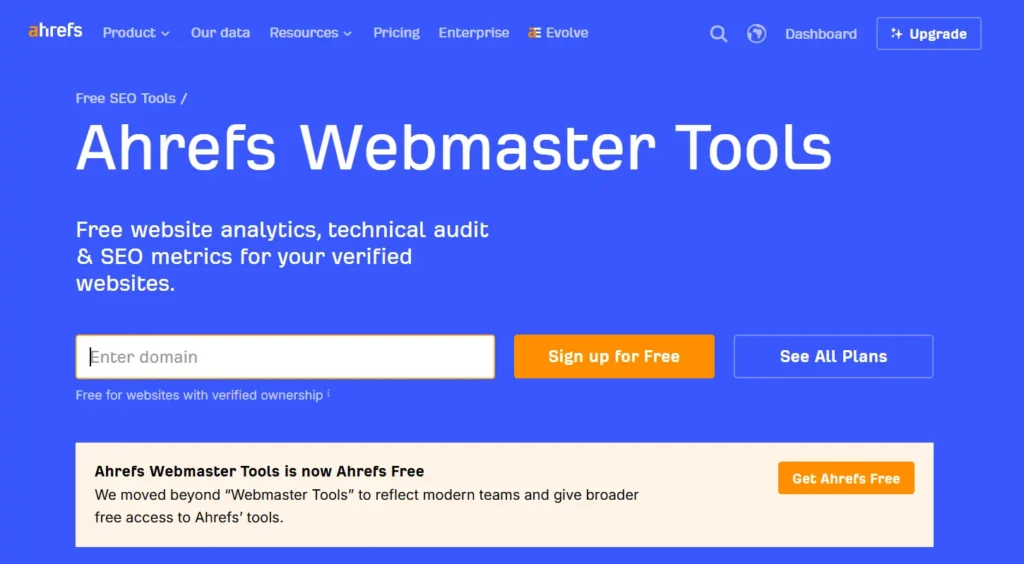
Ahrefs Webmaster Tools, commonly shortened to AWT, is Ahrefs’ free tier for verified website owners, giving limited access to Site Audit and Site Explorer specifically for sites you own and can prove ownership of. Verification happens through an HTML file upload, a DNS record, or a Google Search Console connection, and once verified, you get technical SEO auditing, backlink data, and keyword ranking information for that specific property.
This is genuinely different from Ahrefs’ other free standalone tools, which work on any domain without verification but come with much stricter limits. AWT trades broader competitive research access for deeper, more useful data on your own site specifically. You can’t run a full competitive audit on a rival’s domain through AWT the way you could with a paid Site Explorer, but you get real, actionable depth on the property you actually control.
How to Sign Up for an Ahrefs Free Account (Step-by-Step)
- Go to Ahrefs Webmaster Tools directly rather than the main Ahrefs signup page, since AWT has its own dedicated entry point separate from the paid platform trial flow.
- Create a free account using an email address and password, no payment information required at this step.
- Add your website by entering the domain you want to verify and manage through AWT.
- Verify ownership using one of three methods: uploading an HTML verification file to your site’s root directory, adding a DNS TXT record through your domain registrar, or connecting an existing Google Search Console property if you already have one set up.
- Wait for verification to process, typically resolving within minutes for DNS and HTML methods, sometimes faster for a GSC connection since ownership is already confirmed there.
- Run your first Site Audit once verification completes, which kicks off Ahrefs’ crawler against your site and starts surfacing technical issues within the crawl session.
The whole process typically takes under fifteen minutes for a straightforward domain, longer if you’re waiting on DNS propagation or need help from whoever manages your domain registrar settings.
Ahrefs Free vs. Paid Plans vs. Google Search Console
The comparison here isn’t Ahrefs Free versus paid Ahrefs, it’s Ahrefs Free versus Google Search Console, since they solve overlapping but genuinely different problems. Search Console gives first-party data straight from Google: your actual clicks, impressions, and average position, with zero row limits or crawl credit restrictions since it’s Google’s own reporting on your own site. Ahrefs Free adds a third-party crawler’s perspective, backlink data Search Console doesn’t surface in the same depth, and technical issue detection built around SEO-specific rules rather than raw performance reporting.
| Feature | Ahrefs Free (AWT) | Paid Ahrefs | Google Search Console |
| Cost | Free | Starts around $129/month | Free |
| Site Audit | Limited, verified sites only | Full, unlimited crawl credits by plan tier | Not included |
| Backlink data | Limited, your own site | Full Site Explorer, any domain | Basic links report |
| Competitor research | Very limited | Full access | Not available |
| Keyword rank tracking | Basic | Full, with Share of Voice | Position data only |
| Historical data | Limited window | Extended, plan-dependent | 16 months |
| Data source | Third-party crawler estimate | Third-party crawler estimate | First-party Google data |
Treat Ahrefs Free as directional market intelligence and Search Console as your source of truth for what Google itself is actually seeing on your site. The two genuinely complement each other rather than compete, and running both side by side, cross-checking backlink and traffic patterns between them, catches discrepancies neither tool alone would reveal.
What Tools Are Included in Ahrefs Free?
Ahrefs Free splits into two genuinely different categories worth understanding before you start relying on either. The first is Ahrefs Webmaster Tools itself, the verified-site suite covering Site Audit and limited Site Explorer. The second is a set of standalone free tools, Keyword Generator, Backlink Checker, SERP Checker, Broken Link Checker, and several others, that work on any domain without verification but return capped, surface-level results rather than full data.
Both categories genuinely have a place in a real SEO workflow, but they’re not interchangeable, and confusing “free tool exists” with “full-depth free access” is where a lot of current content on this topic oversells what you actually get. The sections below break down each tool specifically, including which ones carry real limitations worth knowing before you build a workflow around them.
Free Keyword Research Tools (Keyword Generator & Difficulty Checker)
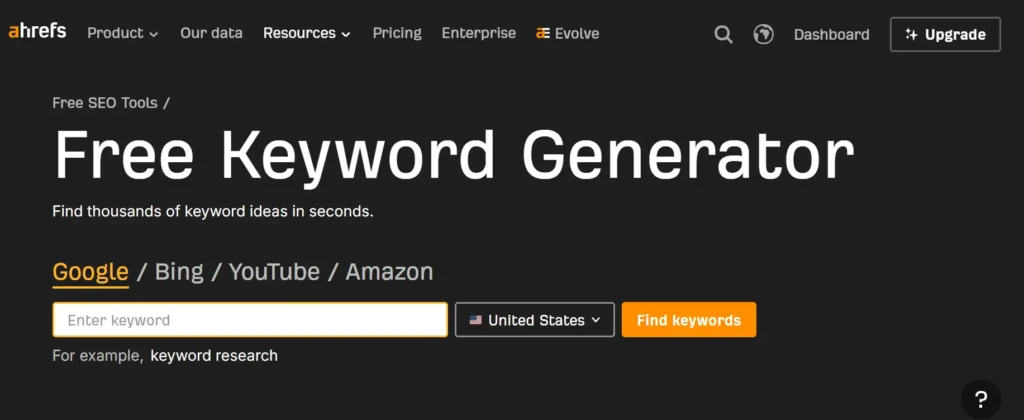
The Keyword Generator returns up to 100 keyword ideas for any seed keyword or phrase you enter, including search volume estimates and a Keyword Difficulty score for each result, with no account required for basic use. A toggle for “Questions” specifically surfaces informational, question-based queries related to your seed term, useful for building out content ideas beyond pure head-term targeting.
The Keyword Difficulty Checker works as a related, sometimes overlapping tool specifically for estimating how hard a given keyword would be to rank for in the current top results, based on the backlink profiles of pages already ranking. Both tools draw from Ahrefs’ own keyword database, which the company has built through years of crawling, though the free versions cap how many results you see and how deep the supporting data goes compared to Keywords Explorer in the paid platform.
The honest limitation: 100 keyword ideas sounds like plenty until you’re doing genuine topic cluster planning for a content strategy spanning dozens of subtopics, at which point the free tool becomes a starting point you’ll supplement with other research rather than a complete solution on its own.
Free Site Audit and Technical SEO Tools
Site Audit through AWT scans a verified site for more than 100 common technical SEO issues, covering everything from broken links and redirect chains to missing meta tags and crawlability problems, then explains not just what’s wrong but why it matters and how to fix it. This explanatory layer is genuinely useful for teams without a dedicated technical SEO specialist on staff, since the tool doesn’t just flag an issue and leave you guessing at its significance.
Crawl credits determine how much of your site Site Audit can actually cover in a given run, and the free tier’s credit allocation is meaningfully smaller than any paid plan’s, meaning a large site may not get fully crawled in one pass. Smaller sites, a few hundred pages or fewer, typically fit comfortably within free-tier crawl limits, while larger sites need to prioritize which sections to audit first or accept partial coverage per crawl cycle.
Run Site Audit after any significant site change, a redesign, a migration, a new CMS, since this is exactly when new technical issues tend to surface, and catching them early costs far less time than discovering a crawlability problem months later through a traffic drop instead.
Free Backlink and Link Building Tools
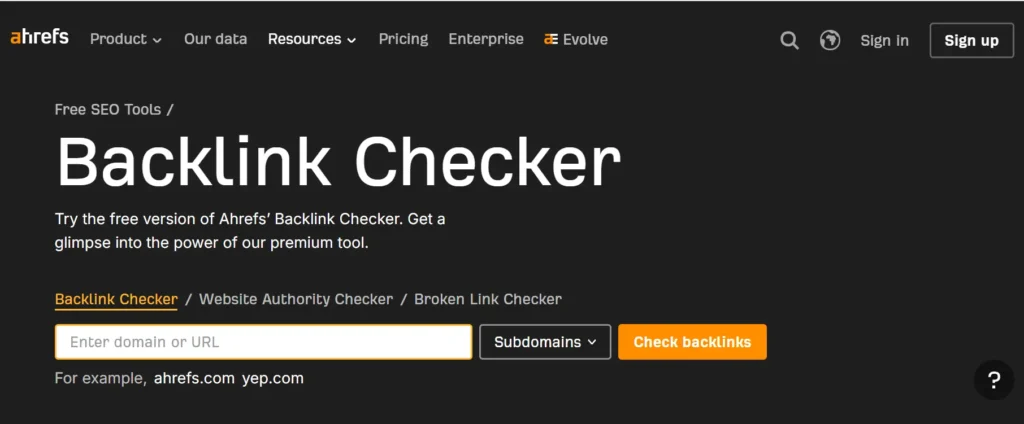
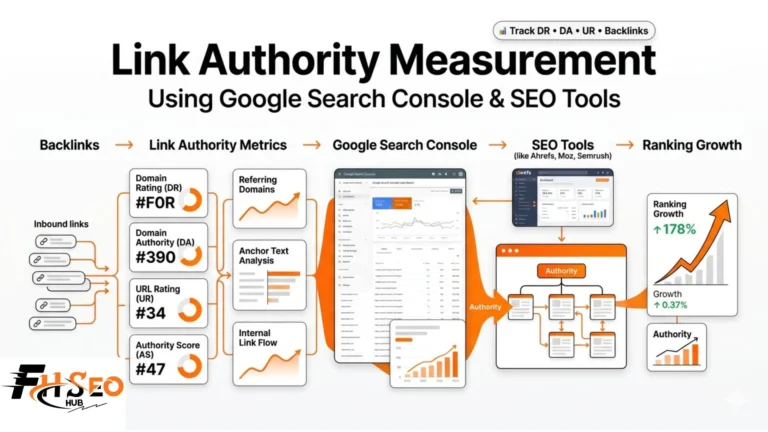
The free Backlink Checker shows the top 100 backlinks pointing to any domain you enter, along with basic domain-level metrics like Domain Rating for the linking sites, without requiring you to verify ownership of the domain you’re checking. This makes it genuinely useful for a quick competitive glance, checking roughly how a competitor’s backlink profile compares to yours, though the 100-link cap means you’re seeing a sample, not the complete picture a paid Site Explorer would return.
For your own verified site specifically, AWT’s limited Site Explorer goes deeper than the standalone Backlink Checker, showing more of your referring domains and backlink profile in context with your other site data. The Broken Link Checker rounds out this category, scanning a given page or domain for outbound links pointing to dead pages, a legitimate starting point for broken link building outreach, though again capped compared to what a paid crawl would surface across a full site.
The realistic limitation worth stating plainly: link building prospecting at any real scale, finding dozens of genuine, relevant opportunities across an entire competitive landscape, outgrows what the free backlink tools can support fairly quickly. They work well for spot-checks and quick competitive snapshots, not for running a full link building campaign’s prospecting phase.
Free Rank Tracking Tools
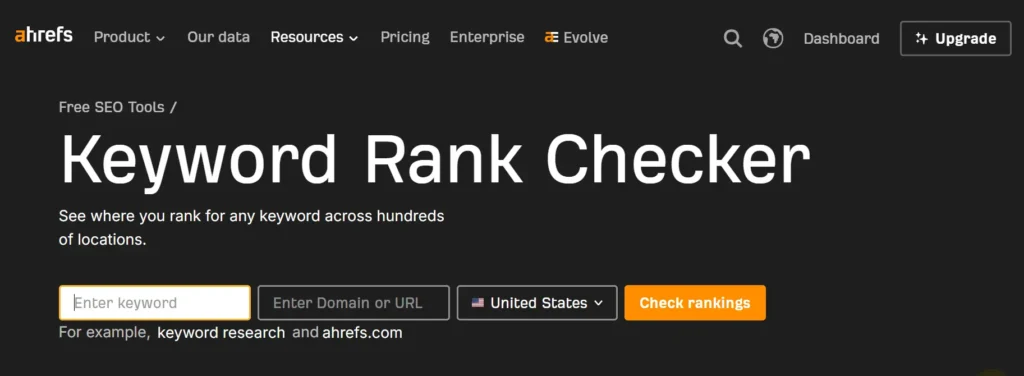
A basic Keyword Rank Checker lets you look up where a specific domain currently ranks for a given keyword, useful for quick checks after a content update or an algorithm rollout when you want a fast answer without waiting on a scheduled report. This is fundamentally different from ongoing Rank Tracker functionality in paid Ahrefs, which monitors positions automatically over time across many keywords, tracks Share of Voice, and flags SERP feature changes without you manually re-checking each term.
The free version works as a point-in-time lookup tool, not a monitoring system. If you’re tracking rankings for more than a handful of keywords on any regular cadence, manually checking each one individually becomes a real time cost fast, and that’s precisely the gap the paid Rank Tracker exists to close.
Free Competitor and Traffic Analysis Tools
A free Website Traffic Checker gives a rough, estimated traffic figure for any domain, useful as a directional sense-check on a competitor’s scale rather than a precise number to build a strategy around. Ahrefs itself frames all third-party traffic and backlink estimates as directional market intelligence, not verified fact, a distinction worth remembering since these figures come from crawl-based modeling rather than the site’s own analytics.
Deeper competitive research, side-by-side domain comparison, full competitive gap analysis across multiple rivals at once, sits behind the paid plans specifically. The free tools give you a reasonable first impression of a competitor’s scale and backlink profile; genuine ongoing competitive intelligence work needs the paid platform’s depth.
Free AI Visibility and AEO Tools
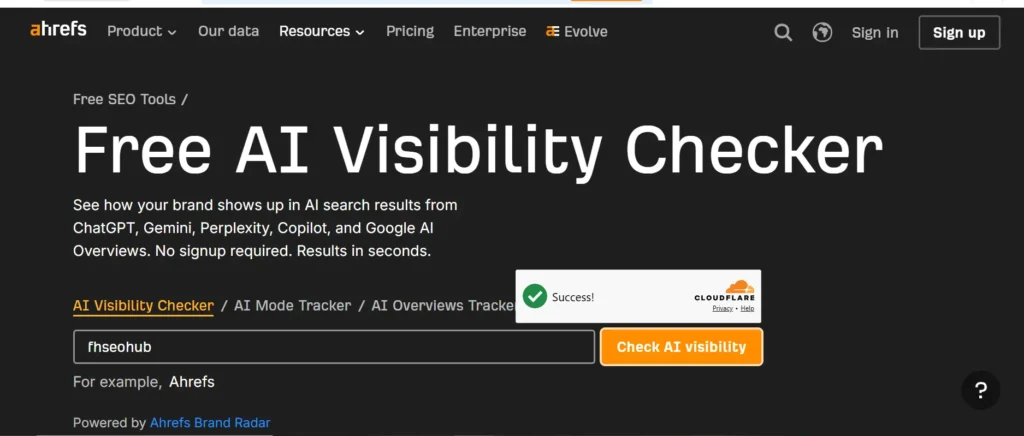
An AI visibility checker like Brand Radar, Ahrefs’ tool for tracking brand mentions and visibility across AI Overviews, ChatGPT, Perplexity, and other AI assistants, is described inconsistently across current sources, worth flagging directly rather than repeating an oversimplified claim either way. Some sources describe it as an add-on available to both free and paid users at a limited tier; others describe full AI search share-of-voice tracking as gated behind a paid base plan plus the add-on itself. The safest practical assumption: expect limited or demo-level AI visibility checking at most through any free access point, with comprehensive, ongoing AI Overview and LLM citation tracking requiring a paid plan.
This matters given how much current SEO strategy now factors in AI search visibility specifically. If tracking your brand’s presence across AI Overviews and chat-based answer engines is a genuine priority, verify current Brand Radar access terms directly on Ahrefs‘ own pricing page before assuming free access covers what you need, since this is exactly the kind of feature terms that shift as platforms compete on AI search tooling.
SEO Toolbar: The Free Browser Extension
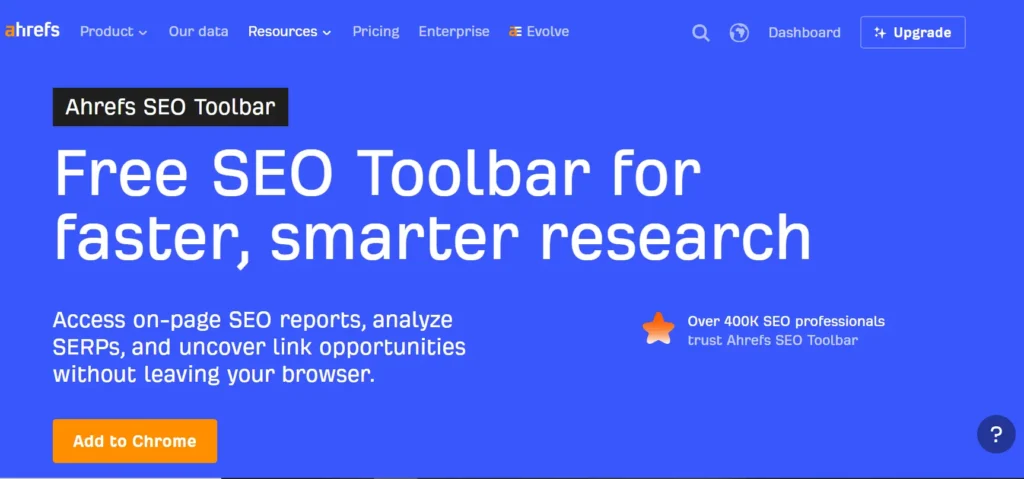
The Ahrefs SEO Toolbar is a browser extension for Chrome, Firefox, and Safari that surfaces on-page SEO data, SERP-level metrics, and link highlighting directly while you browse, without needing to open the full Ahrefs platform separately. Installing the extension itself doesn’t require payment, though the depth of metrics you see directly in search results may vary depending on whether you have an active Ahrefs account connected and what tier that account sits on.
Practically, this makes the toolbar genuinely useful even at a basic level for on-page checks, heading structure, meta tag review, quick link visibility, while the richest domain-level metrics shown directly in SERPs tend to reflect whatever access level your connected account actually has. Install it regardless of your current plan, since the on-page auditing functionality alone justifies having it running in the background during genuine SEO work.
How to Build a Complete Free SEO Workflow With Ahrefs
Combining Ahrefs’ free tools with Google Search Console and a disciplined process covers a genuinely usable SEO workflow for a small site or a solo practitioner, even without a paid subscription.
- Verify your site in AWT and run an initial Site Audit to establish a technical baseline before doing anything else.
- Connect Google Search Console to the same property, treating it as your source of truth for actual clicks, impressions, and position data.
- Use Keyword Generator to build out a keyword list for a specific topic or content plan, toggling to Questions for informational angle ideas.
- Check competitor backlinks through the free Backlink Checker for two or three direct competitors, noting patterns in where their links come from.
- Install the SEO Toolbar and use it during on-page reviews of your own content before publishing.
- Re-run Site Audit on a monthly cadence, or immediately after any significant site change, to catch new technical issues early.
- Cross-check Ahrefs’ traffic and backlink estimates against Search Console data periodically, treating discrepancies as worth investigating rather than assuming one source is simply wrong.
This workflow won’t replace what a paid plan enables at scale, ongoing rank tracking across hundreds of keywords, full competitive gap analysis, AI visibility monitoring, but it covers the fundamentals a smaller operation genuinely needs without a subscription cost.
Limitations of Ahrefs Free (What You Don’t Get)
Crawl credits cap how much of a larger site Site Audit can cover in one pass, meaning sites beyond a few hundred pages may need multiple partial crawls rather than one comprehensive pass the way a paid plan’s higher credit allocation allows. Competitive research on domains you haven’t verified stays shallow throughout, the 100-result caps on Keyword Generator and Backlink Checker are useful for a quick look but genuinely insufficient for serious competitive analysis at scale.
Several tools that show up in general “free Ahrefs” roundups aren’t fully free in practice: Content Explorer, full Content Gap analysis, AI Content Helper, and comprehensive Brand Radar AI visibility tracking all sit primarily or entirely behind paid plans, despite sometimes getting lumped in with genuinely free tools in less careful comparisons. GBP Monitor and other local SEO-specific tracking features are paid-tier features too, not part of the free suite, and the same goes for Web Analytics, Ahrefs’ cookie-less traffic reporting tool, and the Social Media Manager tool for scheduling and tracking posts. Ongoing automated rank tracking across multiple keywords, rather than one-off manual lookups, also requires a paid plan.
Who Should Use Ahrefs for Free?
Solo bloggers, small business owners managing one or two sites, and anyone just starting to build genuine SEO literacy get real, practical value from AWT plus the free standalone tools, enough to catch technical issues, do basic keyword research, and understand where competitors stand roughly. Agencies and in-house teams managing multiple client sites or running ongoing competitive tracking will hit the free tier’s limits fast, crawl credits, keyword result caps, and lack of automated rank tracking make the free suite a starting point rather than a genuine working toolset at that scale.
The realistic decision point: if you’re auditing one site you own and doing occasional competitor spot-checks, Ahrefs Free covers real ground. If you need ongoing monitoring across many keywords, deep competitive gap analysis, or AI visibility tracking as a genuine, current priority, budget for a paid plan rather than trying to stretch the free tier past what it’s built for.
Conclusion
Ahrefs Free earns its place in a real SEO workflow specifically for verified-site technical auditing and quick, directional competitive checks, not as a full replacement for the paid platform dressed up as a free alternative. Pair AWT with Google Search Console for a genuinely solid foundation, know which tools carry real limitations before building a process around them, and upgrade when crawl credits, keyword caps, or the lack of ongoing rank tracking start genuinely limiting what you can do. Used with clear eyes about its boundaries, it’s one of the more legitimately useful free tiers in the SEO tool landscape.
FAQs
Ahrefs Webmaster Tools is genuinely free for verified site owners, covering limited Site Audit and Site Explorer access. Several standalone tools like Keyword Generator and Backlink Checker are also free without an account, though features like Content Explorer, full Content Gap analysis, and comprehensive AI visibility tracking through Brand Radar sit primarily behind paid plans.
No, Ahrefs no longer offers its previous $1 seven-day trial as of 2026. Ahrefs Webmaster Tools and the standalone free tools are the current path to using Ahrefs without payment.
Search Console gives first-party data directly from Google about your own site with no row limits. Ahrefs Free adds third-party crawler data, backlink insights, and technical issue detection Search Console doesn’t provide in the same depth, making the two genuinely complementary rather than competing.
Yes, but with real limits. The free Backlink Checker shows the top 100 backlinks for any domain without requiring verification, useful for a quick competitive glance but not deep enough for full-scale link building prospecting.
Installing the browser extension itself doesn’t require payment, though the depth of metrics displayed directly in search results can depend on whether you have a connected account and what tier it sits on.
Access is inconsistent and worth verifying directly before relying on it. Some limited or demo-level AI visibility checking may be available, but comprehensive Brand Radar tracking across AI Overviews and chat assistants generally requires a paid plan plus the add-on itself.