Top 10 SEO Chrome Extensions for SEO Professionals (Free and Paid)

The best SEO Chrome extensions put domain authority, backlinks, meta tags, and keyword data right on top of the page you’re looking at. No tab-switching, no exporting, no waiting on a dashboard to load. Most of the ones worth installing from the Chrome Web Store are free. A few paid ones earn their spot.
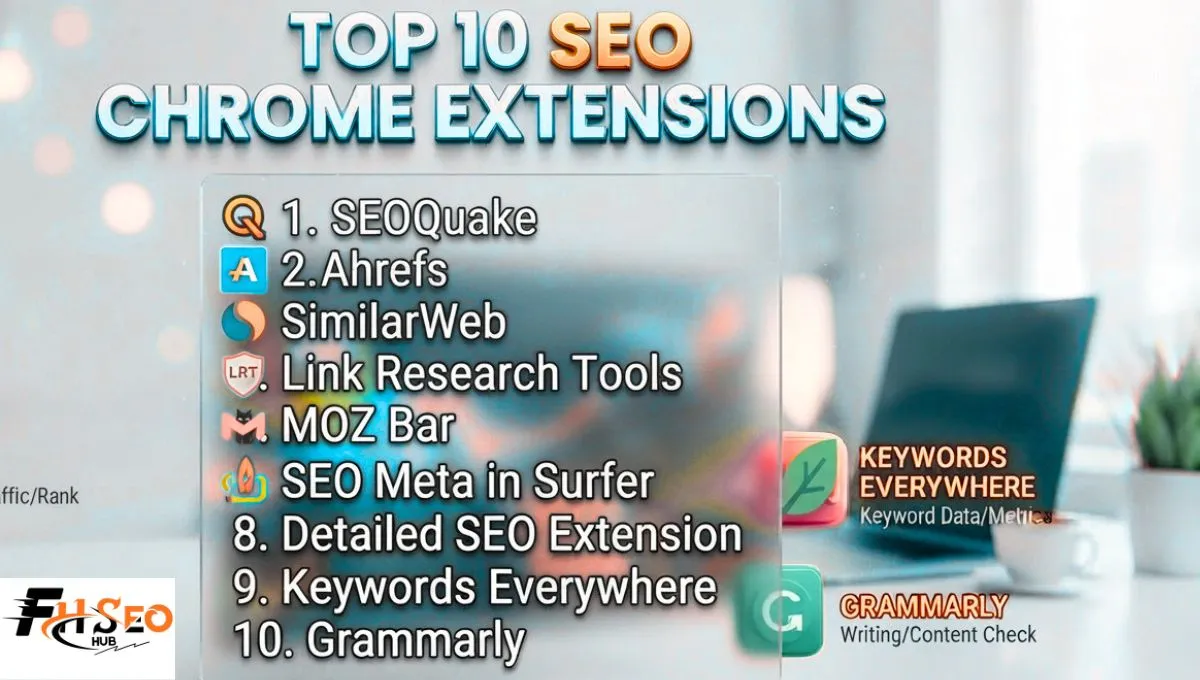
Here are the 10 SEO Chrome extensions genuinely worth installing this year, what each one nails, where it falls short, and how many you should realistically be running at once.
Why Use SEO Chrome Extensions?
SEO Chrome extensions speed up your daily workflow by overlaying SERP data, on-page audit info, and backlink metrics directly in your browser toolbar. This cuts out the constant back-and-forth between your browser and a separate SEO platform. A quick competitor check that used to take five minutes now takes five seconds.
They’re not a replacement for a full SEO platform. Think of them as the fast, glanceable layer on top of the deeper tools you already pay for, Ahrefs, Semrush, or Moz, not a substitute for any of them.
Quick Comparison
| Extension | Best For | Price | Free Tier |
| SEOquake | SERP overlay, on-page audit | Free | Yes, full toolbar |
| Ahrefs SEO Toolbar | DR/UR, backlinks | Free (limited without account) | Yes |
| SimilarWeb | Competitor traffic estimates | Free | Yes |
| Detailed SEO Extension | On-page and technical audit | Free | Yes, fully free |
| MozBar | Domain Authority overlay | Free with account | Yes |
| Redirect Path | Redirect chains, 404s | Free | Yes |
| SEO Meta in 1 Click | Meta tags, heading structure | Free | Yes |
| Keyword Surfer | Keyword data in Google SERPs | Free | Yes |
| Keywords Everywhere | Search volume, CPC overlay | From roughly $1.75 to $7/mo in credits | No, install only |
| Grammarly | Writing quality, tone | Free / Premium | Yes, core features |
The Top 10 SEO Chrome Extensions
1. SEOquake
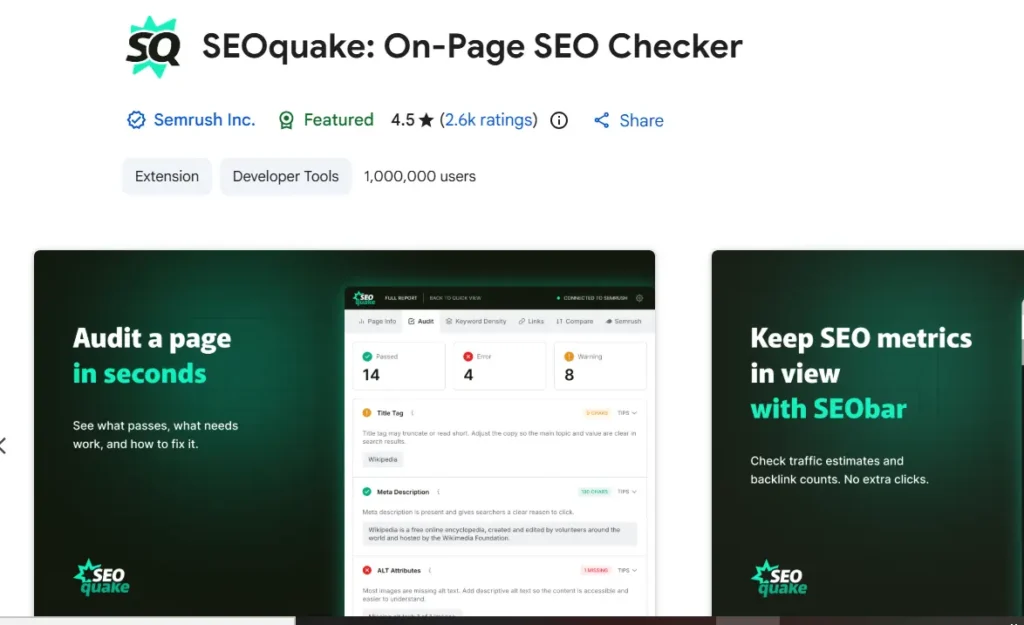
SEOquake overlays a full SEO audit directly on any SERP, keyword density, on-page checks, backlink counts, and competitor comparison, without requiring an account for the core toolbar. It’s free, it’s fast, and it’s been a staple in SEO browser setups for years.
The catch: some of the deeper backlink and competitive data pulls from an optional Semrush connection, so the free version alone won’t match a paid platform’s depth. For a quick, no-signup SERP overlay, nothing else on this list beats it.
2. Ahrefs SEO Toolbar
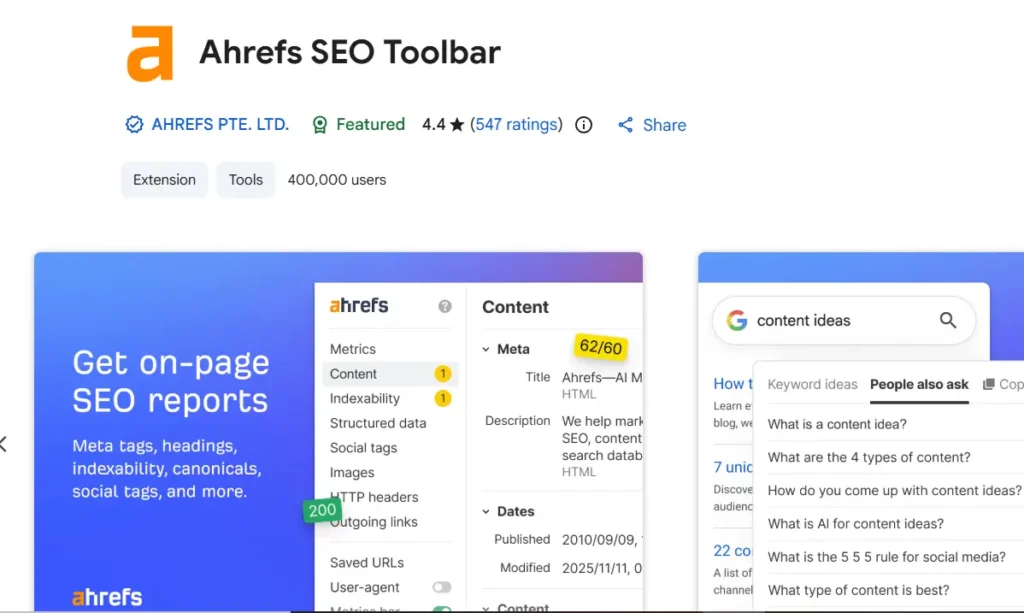
Ahrefs SEO Toolbar drops Domain Rating, URL Rating, and backlink counts onto any page you visit, plus an on-page SEO report and a broken link checker built in. Free with an Ahrefs account, no subscription required for the basic metrics.
Full backlink depth and historical data still require an actual Ahrefs plan, which runs into three figures monthly at the higher tiers. For anyone already paying for Ahrefs, this extension is close to mandatory. For everyone else, the free-tier metrics alone are still genuinely useful for a fast domain authority check.
3. SimilarWeb
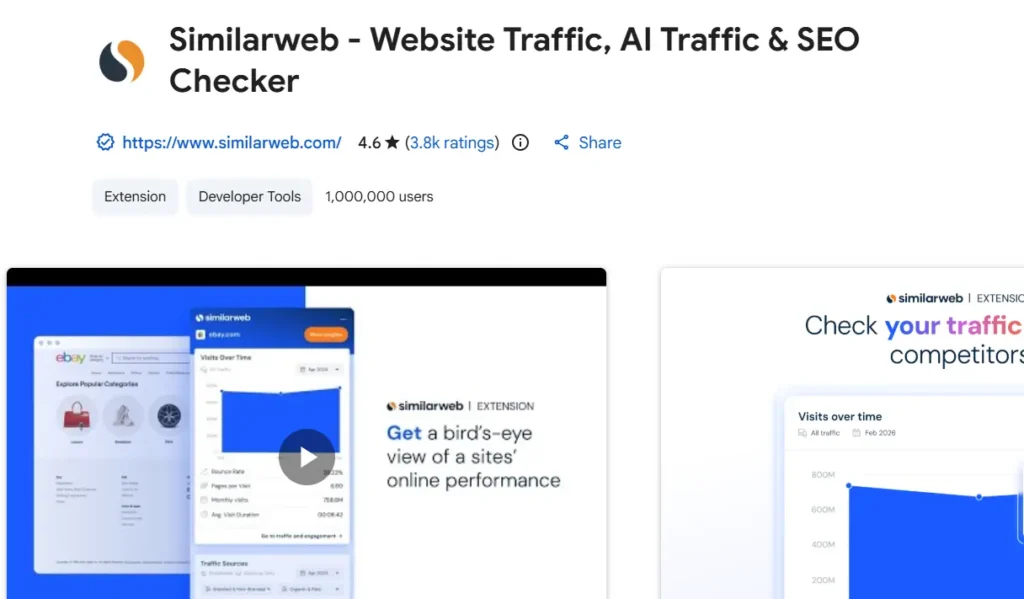
SimilarWeb’s extension estimates a site’s traffic, top referral sources, and audience overlap the moment you land on it. This gives you a rough read on a competitor’s scale before you dig any deeper. Completely free.
Traffic estimates from any third-party tool, SimilarWeb included, should be treated as directional, not exact, since no outside tool sees a site’s actual analytics. Use it to spot which competitors are worth a closer look, not as a precise traffic figure to report to a client.
4. Detailed SEO Extension
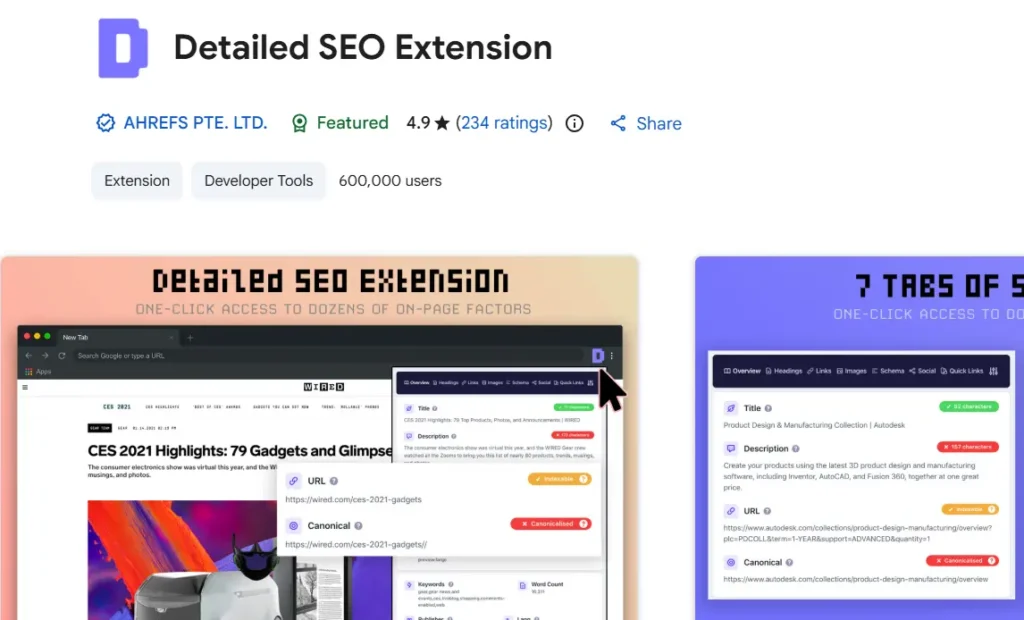
Detailed SEO Extension pulls meta tags, heading structure, canonical tags, and nofollow attribute status on individual links into one clean panel with a single click. It also surfaces schema markup, and it’s entirely free with no account required. This is the one extension on this list with genuinely no catch.
It won’t do backlink analysis or keyword research, since it’s built specifically for on-page and technical checks. Pair it with something like Ahrefs SEO Toolbar for the pieces it deliberately leaves out.
5. MozBar
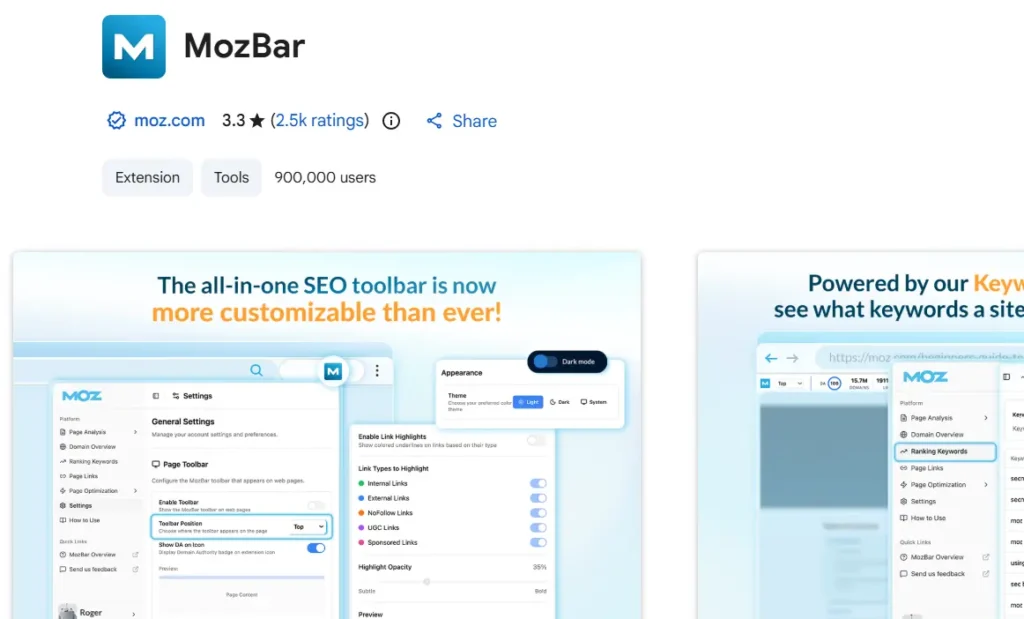
MozBar overlays Domain Authority and Page Authority on every SERP result the moment you search, the fastest way to eyeball a page’s relative authority without opening a separate tool. Free with a Moz account, and Moz rebuilt the extension into MozBar V5 this year, so it’s actively maintained, not an abandoned relic.
DA and PA are Moz’s own proprietary metrics, not a Google ranking factor, worth remembering before treating either number as gospel. Full link data and spam score still require a Moz Pro subscription.
6. Redirect Path
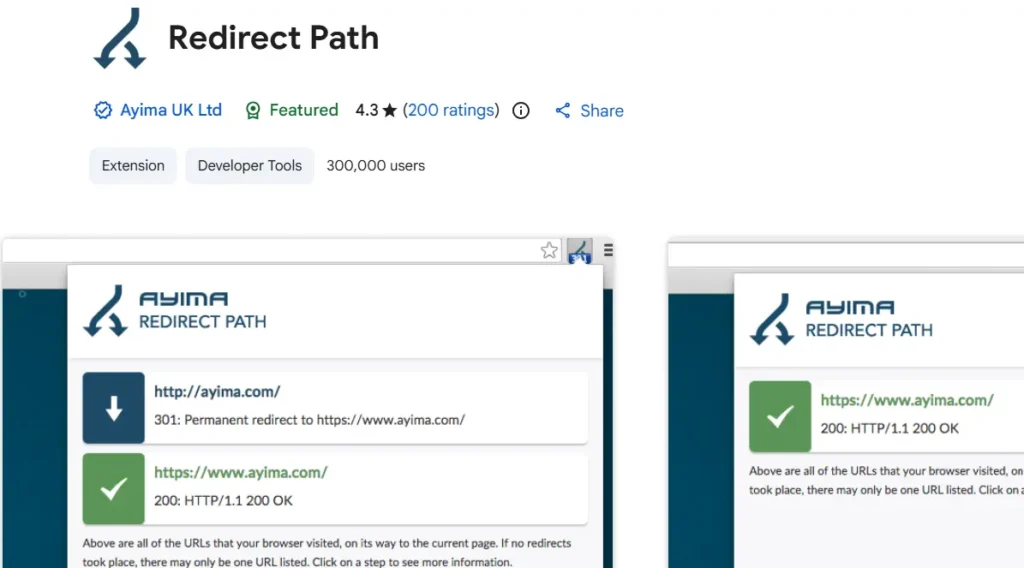
Redirect Path traces a page’s full redirect chain in real time, showing every 301, 302, and 404 along the way, directly in your browser toolbar icon. Free, lightweight, and built for exactly one job.
This is a narrow tool by design. It won’t tell you anything about content, keywords, or backlinks. For diagnosing a messy migration or chasing down a broken redirect chain, though, it’s faster than pulling a full crawl for one URL.
7. SEO Meta in 1 Click
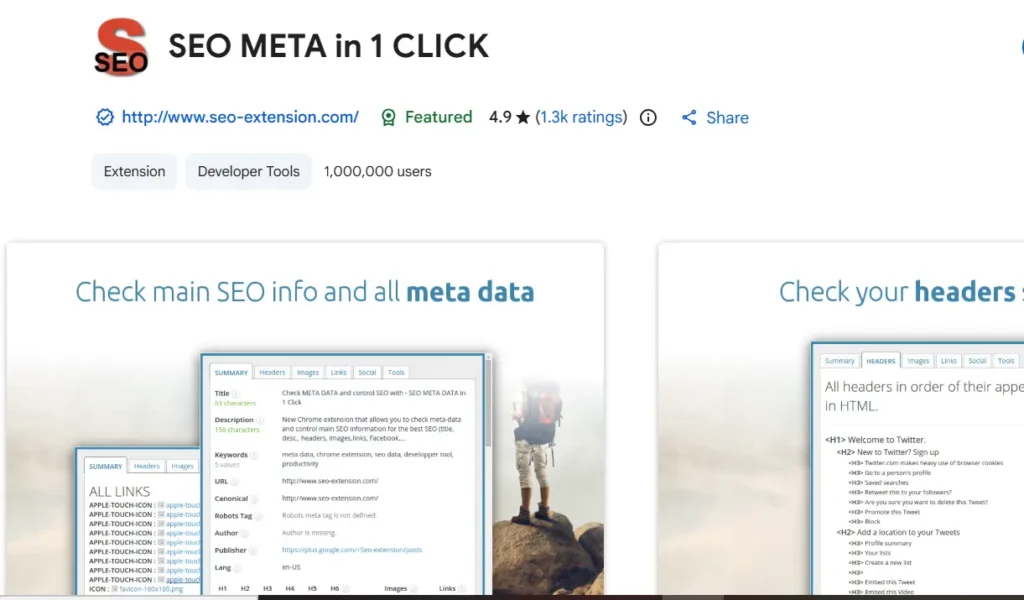
SEO Meta in 1 Click extracts title tags, meta descriptions, heading structure, and image alt text into a single readable panel, free, with no account needed. Worth noting: some older lists still recommend “Meta SEO Inspector” instead. That extension has largely fallen out of active use, and SEO Meta in 1 Click is the version practitioners are genuinely running in 2026.
It’s a read-only inspection tool, not an editor, so you’ll still need CMS or code access to fix whatever it flags. As a fast first-pass audit for meta tag issues, it’s hard to beat for the price of free.
8. Keyword Surfer
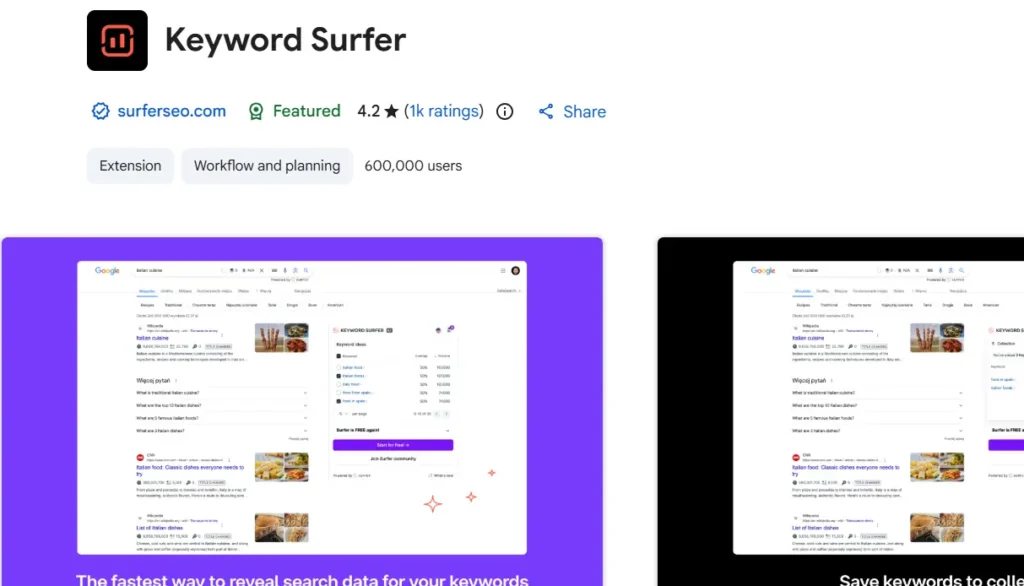
Keyword Surfer overlays search volume and related keyword suggestions directly inside Google’s search results, completely free, with no credit system or account required. For a quick keyword gut-check while browsing normally, this is the lowest-friction option available.
Data depth is limited compared to a dedicated keyword research platform, and international volume accuracy varies by market. Treat it as a fast directional check, not your primary keyword research tool.
9. Keywords Everywhere
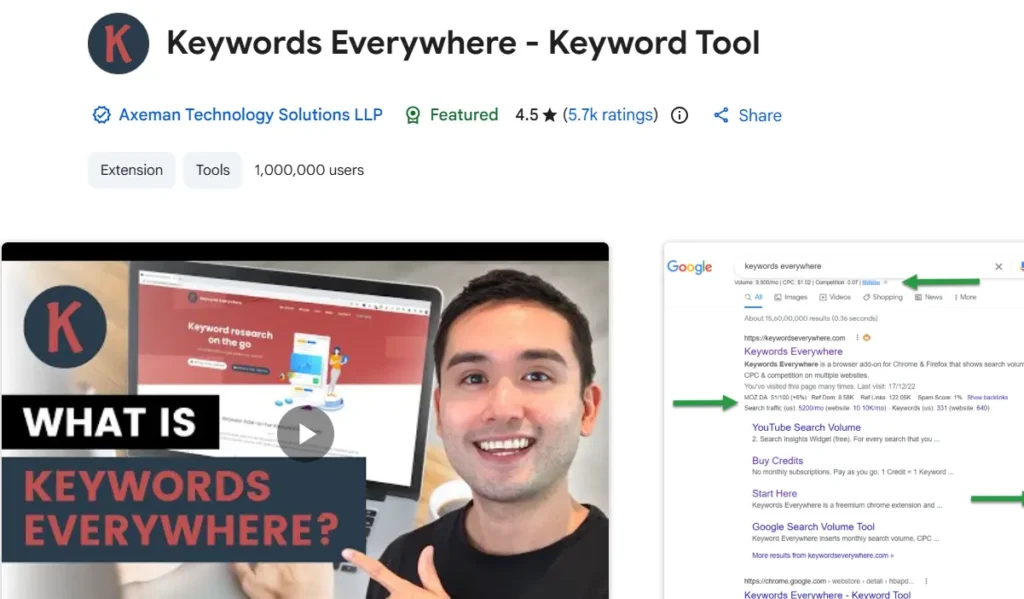
Keywords Everywhere overlays search volume, CPC, and competition data across more than a dozen platforms beyond Google, YouTube, Amazon, Etsy, Pinterest, using a prepaid credit system rather than a flat subscription. Entry-level Bronze pricing has been reported anywhere from roughly $21 to $84 a year depending on the current plan structure, so check current pricing directly before committing.
The credit model means related widgets on a single search can burn through credits faster than expected, and unused credits typically expire after a year. For anyone doing keyword research across multiple platforms beyond straight Google search, particularly Etsy or Pinterest sellers, it still earns its place.
10. Grammarly
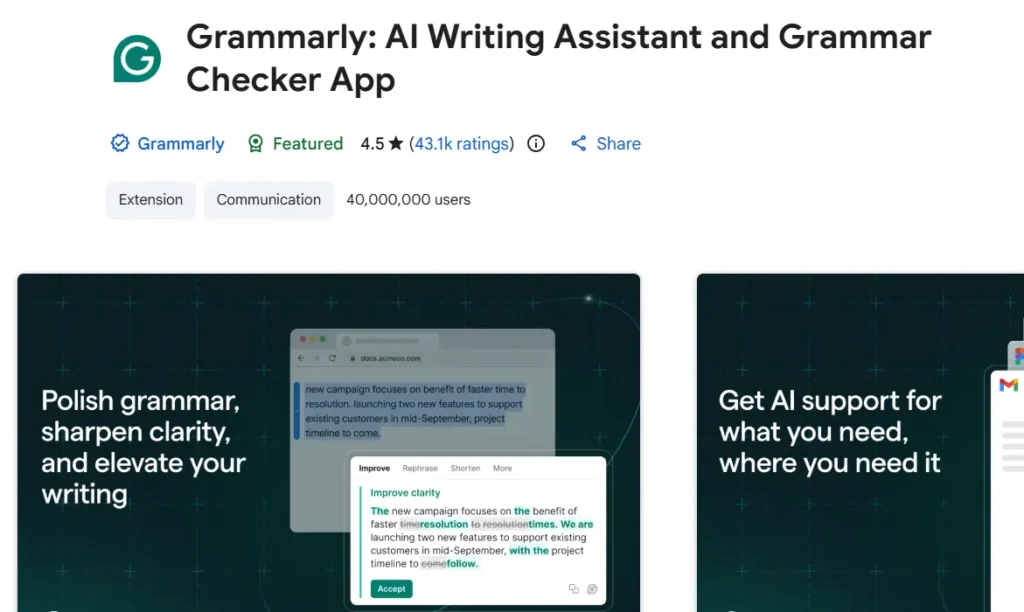
Grammarly checks grammar, tone, and clarity in real time across any text field in your browser, including the CMS you’re publishing content through. Free tier covers the basics, and Premium adds tone detection and more advanced suggestions.
It’s not an SEO tool by definition, but publishing clean, error-free content is table stakes for the E-E-A-T signals modern search quality systems reward. Running content through Grammarly before it goes live, alongside other AI writing tools for SEO content, catches what a spell-checker alone misses.
Free vs. Paid: Which Extensions Are Worth Paying For?
Most of this list works entirely free. For anyone running SEO checks occasionally rather than daily, the free tiers of Detailed SEO Extension, SEOquake, Redirect Path, Keyword Surfer, and MozBar cover the core workflow without spending anything.
Keywords Everywhere is the one genuinely worth paying for on this list specifically, since its cross-platform keyword data, especially for Etsy, Pinterest, and YouTube, isn’t replicated by any free alternative here. Ahrefs SEO Toolbar and MozBar’s free tiers are plenty for a quick check. If you’re already paying for the full Ahrefs or Moz platform, the paired extension becomes far more valuable, since it surfaces the deeper data your subscription already covers.
Data Privacy: What Permissions Are You Giving Away?
Most SEO Chrome extensions request broad permissions, often “read and change all your data on all websites,” since that access is genuinely required to overlay data onto every page you visit. That same permission level is also exactly what a malicious extension would request, which is why the request itself isn’t automatically a red flag but does deserve a second look.
Check the developer’s name against the official tool’s website before installing, and review the permissions requested at install time rather than clicking through automatically. Periodically audit your installed extensions list for anything you no longer recognize or use. An extension that’s gone unmaintained for years with broad data access is a bigger risk than one that’s actively updated with a transparent, well-known developer behind it.
How Many Extensions Should You Install?
Running more than five to seven active SEO extensions at once starts noticeably slowing Chrome down, particularly on pages with a lot of on-page checks firing simultaneously. More installed extensions also means more permissioned access to your browsing data than most people realize they’ve accumulated.
Build a targeted stack instead of installing everything on this list: one SERP overlay tool, one on-page/technical checker, one authority metric extension, and one keyword tool covers the core workflow without the slowdown. Disable extensions you’re not actively using that day rather than leaving everything running constantly in the background.
Honorable Mentions and Specialty Extensions
A few additional extensions solve narrower problems well enough to mention. Ubersuggest’s extension overlays competitor traffic and keyword ideas directly on Google, YouTube, and Amazon results, with a limited daily search cap on the free tier. Google Lighthouse, built directly into Chrome’s DevTools, remains the standard for checking Core Web Vitals and page performance without installing anything separate at all.
Wappalyzer identifies the exact tech stack a site is running, genuinely useful for competitive research beyond pure SEO metrics. For hreflang and international SEO checks specifically, a dedicated hreflang-checking extension fills a gap none of the ten tools above cover directly.
Conclusion
SEOquake, Ahrefs SEO Toolbar, and Detailed SEO Extension form the strongest free core for most SEO workflows, covering SERP overlay, authority metrics, and on-page audit without spending a dollar. Add Keywords Everywhere specifically if your keyword research spans platforms beyond Google search, and add MozBar or Redirect Path based on whether authority checks or redirect debugging come up more often in your day-to-day work. Skip installing all ten at once. A targeted stack of four or five will outperform a browser toolbar so crowded you stop checking half of it.
FAQs
Detailed SEO Extension is the strongest fully-free option for on-page and technical checks, while SEOquake covers SERP overlay and basic audit data equally well at no cost. Most practitioners run both alongside each other.
Yes. SEOquake remains a genuinely useful, actively used SERP overlay tool with no account required for its core toolbar. Its deeper competitive data optionally connects to a Semrush account for more depth.
Not necessarily. Both overlay authority-style metrics, Domain Rating versus Domain Authority, so running both mainly makes sense if you’re already paying for both underlying platforms. Otherwise, pick whichever platform you genuinely subscribe to.
Most well-known, actively maintained extensions from reputable developers are safe. The broad permissions many require, reading and changing data on every site you visit, mean it’s worth checking the developer and reviewing permissions before installing anything, especially lesser-known tools.
Pricing runs on a prepaid credit system rather than a flat subscription, with entry-level Bronze pricing reported anywhere from roughly $21 to $84 a year depending on current plan terms. Check the extension’s current pricing page directly before purchasing credits.