Disavowing Links and Recovering from Google Penalties

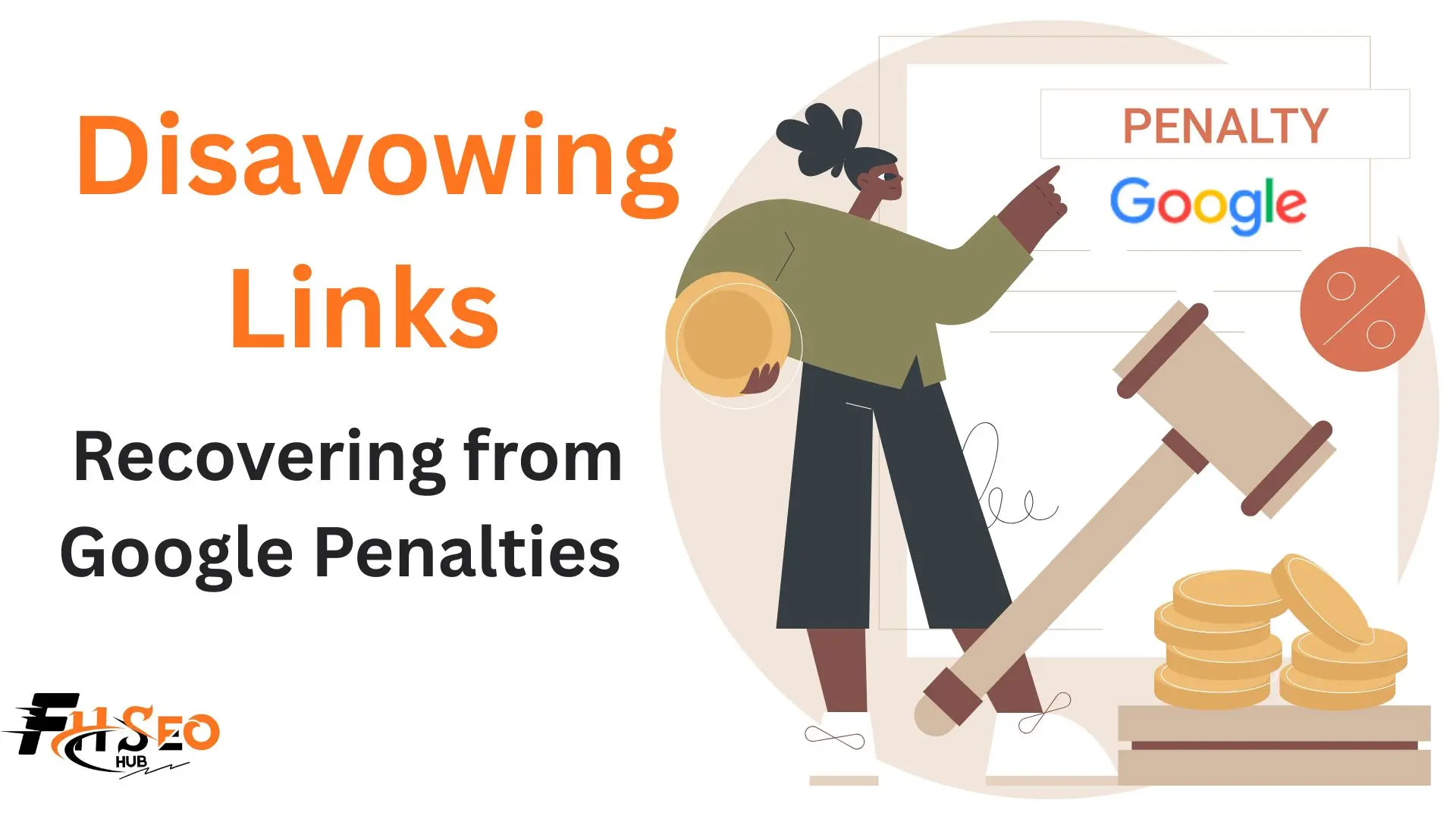
Disavowing links means telling Google, through a file uploaded in Search Console, to ignore specific backlinks when evaluating your site, so they stop counting for or against your rankings. Most sites in 2026 never need to do this, since Google’s spam systems already neutralize the overwhelming majority of low-quality links automatically, but for sites with an active manual action, it’s often a required step toward recovery.
What Does Disavow Mean?
Disavowing a link means submitting a plain-text disavow file to the Google Disavow Tool inside Google Search Console, listing specific URLs or entire domains you want Google to exclude from its evaluation of your site. Google introduced the tool in October 2012 following the Penguin update, as a way for site owners to distance themselves from links they couldn’t get removed directly.
How Disavowing Works (and Why Google Rarely Requires It)
Once uploaded, a disavow file tells Google’s systems to drop the listed links from consideration entirely, neither helping nor hurting your rankings, rather than actively penalizing the domain. Since 2018, SpamBrain has handled the overwhelming majority of this work automatically, now upgraded further and integrated with the Helpful Content system, meaning it evaluates patterns across a site’s link profile rather than judging isolated links in a vacuum.
A single strange backlink from an irrelevant site typically gets ignored without any action needed. Fifty links using exact-match anchor text from unrelated domains in a short window is a pattern SpamBrain is built to catch on its own. This shift is measurable in practitioner behavior: a 2026 survey of 518 SEO professionals found only 39 percent still actively use the disavow tool, a figure that has fallen consistently as confidence in automatic handling has grown.
Do You Need to Disavow Links?
For almost every site, no. Google’s own guidance, restated consistently by John Mueller and Gary Illyes, narrows legitimate disavow use to two situations: an active manual action in Search Console specifically citing unnatural links, or a documented negative SEO attack sophisticated enough to evade SpamBrain’s automatic filtering. A quick check with a penalty checker tool can help rule out a manual action before you assume the worst. Outside those two cases, a noisy-looking backlink profile is normal, not a problem requiring intervention.
How to Identify Toxic and Harmful Backlinks
Pull a full backlink audit from Ahrefs, Semrush, or Google Search Console and look for patterns rather than judging links one at a time: exact-match anchor text repeated across many low-quality domains, spammy links from link farms or private blog networks, and referring domains with no real traffic or topical relevance to your site. These toxic backlinks rarely show up as one obvious red flag, they show up as a pattern once you look at the profile as a whole. A low Domain Authority or Domain Rating alone is not evidence of toxicity, since neither is a Google ranking metric, and plenty of legitimate, newer sites carry low scores without being remotely spammy.
Spam Score and similar third-party toxicity ratings are directional signals worth cross-checking, not verdicts, since these tools flag patterns statistically without knowing the actual context or intent behind a given link.
When You Should (and Shouldn’t) Disavow Backlinks
| Situation | Disavow? |
| Active manual action for unnatural links | Yes, required for reconsideration |
| Confirmed negative SEO attack SpamBrain hasn’t neutralized | Yes, with documentation |
| A few odd-looking but low-volume backlinks | No |
| Low Domain Authority or Domain Rating links | No, DA/DR isn’t a Google metric |
| Ranking drop after a core update | No, address content quality instead |
| Old paid links or link exchanges you’re worried about, no penalty yet | Usually no, monitor first |
How to Disavow Backlinks: Step-by-Step
Attempt removal first: export the link list from Search Console, identify which links genuinely violate Google’s Spam Policies on link schemes, and contact site owners requesting removal before disavowing anything. Google’s guidance treats blanket disavowal without any removal attempt as a weaker signal during a reconsideration request than one showing genuine outreach effort first. Old paid links or exchanges you arranged in the past fall into this same category and deserve the same removal-first treatment before disavowing.
For links you can’t get removed, build a disavow file in plain text, one URL or domain per line, using the domain: prefix format (for example, domain:spamsite.com) to disavow an entire domain rather than listing every individual URL. John Mueller confirmed in March 2026 that this domain-level format works even for entire top-level domains when the bulk of problematic links share one, useful for sites facing dozens of similar spam links weekly rather than one-off cases. Upload the file through Search Console’s disavow tool and expect processing to take anywhere from a few weeks to a couple of months before Google recrawls and applies it.
Recovering from a Google Penalty
The recovery path depends entirely on whether you’re dealing with a manual action or an algorithmic penalty, and confusing the two wastes real time.
| Manual Action | Algorithmic Penalty | |
| Notification | Yes, appears in Search Console | No notification |
| Cause | A human reviewer decision | Google’s systems evaluating the site less favorably |
| Recovery | Fix the issue, submit a reconsideration request | Address the underlying signals, no request to submit |
| Reconsideration request applicable | Yes | No |
Submitting a reconsideration request when no manual action exists gets rejected without useful feedback, since there’s nothing to reconsider. The reverse mistake, treating an actual manual action as a content problem and never filing the request, leaves the penalty in place indefinitely no matter how much content gets improved. A third common mistake is disavowing aggressively right after a core update on the assumption that a ranking drop must be link-related, when the real cause was content quality, which strips out legitimate link equity while doing nothing to fix the actual problem.
How to Remove Disavowals
Submit an updated disavow file that omits the domains or URLs you want reinstated, since there’s no separate “undo” button, only a fresh file replacing the old one. Be aware of a real long-term cost here: if a domain you disavowed years ago later publishes something genuinely valuable and links to you again, Google keeps ignoring that link too, silently, until you update the file, even though the traffic from that link still shows up normally.
Common Mistakes to Avoid When Disavowing
Disavowing based on low Domain Authority or Domain Rating alone treats a third-party metric as if it were a Google signal, which it isn’t. Skipping direct outreach for link removal before disavowing weakens a subsequent reconsideration request rather than simply being an extra step worth skipping. Treating negative SEO as mainly a link scheme problem is increasingly outdated too: current practitioner discussion points to fraudulent DMCA takedowns, not toxic link attacks, as the negative SEO tactic actually causing damage in 2026, since link-based attacks rarely get past SpamBrain anymore.
Failing to document every disavowed link and the reasoning behind it creates real problems down the line, particularly if an agency or consultant changes and the new team has no record of what was disavowed or why.
Maintaining a Healthy Backlink Profile Going Forward
Monitor your backlink profile monthly rather than reactively after a ranking scare, watching for genuine pattern shifts rather than individual odd-looking links. Practice link reclamation on your own unlinked mentions and broken backlinks as routine maintenance, since this strengthens your profile proactively instead of just defending it. Keep building contextual backlinks from relevant, topical sources as your primary strategy, since a strong profile built this way is the best defense against ever needing the disavow tool in the first place.
Conclusion
Disavowing links is a narrow tool for two specific situations, an active manual action or a documented negative SEO attack, not a routine maintenance task or a reaction to a scary-looking backlink report. Google’s own systems handle the vast majority of spam automatically, and the practitioners still reaching for disavow have fallen to a minority for good reason. Attempt removal before disavowing, keep manual actions and algorithmic penalties straight in your recovery process, and document everything, since the cases that genuinely need this tool deserve a careful, defensible file, not a reflexive one.
FAQs
It means submitting a file to Google Search Console asking Google to ignore specific backlinks when evaluating your site, so they stop counting toward or against your rankings.
Almost certainly not, unless you have an active manual action for unnatural links or a documented negative SEO attack SpamBrain hasn’t already neutralized. A noisy-looking profile with a few odd links is normal.
Check Search Console for a manual action notification, which appears explicitly if one exists. A ranking drop with no notification is an algorithmic change, not a penalty, and has no reconsideration process attached to it.
Disavow file processing typically takes a few weeks to a couple of months, and full ranking recovery after a successful reconsideration request can take several months longer, varying by the severity and scope of the original issue.
A manual action is a human reviewer’s decision, notified directly in Search Console, requiring a reconsideration request to lift. An algorithmic penalty comes with no notification and resolves only by addressing whatever signals triggered it.
Fix the underlying issue completely first, document what was changed and how, then submit the request through Search Console under the manual action notification. Reconsideration requests only apply when an actual manual action exists.
Rarely. Proactive disavowing based on a link simply looking suspicious or carrying low authority metrics usually does more harm than good, since it can strip legitimate link equity while SpamBrain would have handled genuine spam on its own.
Pure link-based attacks rarely succeed against current spam detection. Fraudulent DMCA takedowns have emerged as a more effective and harder-to-detect attack vector, which is worth watching for as much as suspicious backlinks now.
Yes, by submitting an updated file that omits whatever you want reinstated. There’s no separate removal process, just a new file replacing the old one, and previously disavowed domains stay ignored until you make that update.