How to Build and Present an SEO Traffic Forecast to Clients (With Report Template)

An SEO traffic forecast for clients should include a baseline projection, a three-scenario traffic range, a keyword cluster breakdown and a conversion and revenue estimate. Present it in a Google Slides or PDF format with a one-page executive summary up front. Clients want to know what growth looks like and what it is worth to their business, not just how many visits to expect.
Most SEO agencies lose clients not because results are bad but because clients never understood what they were buying. A well-presented SEO traffic forecast for clients fixes that problem before the first month of work begins.
When a client can see exactly what traffic growth should look like, what it is worth in leads and revenue, and what conditions drive each scenario, SEO stops feeling like a black box. It becomes a measurable business investment with clear expectations on both sides.
What Clients Want from an SEO Traffic Forecast
Most SEO professionals build forecasts that answer the wrong question. They project monthly visits and assume the client will connect those numbers to business value. Clients rarely do that math themselves.
Here is what clients actually want to know when they ask about SEO results:
Raw traffic numbers answer none of those questions on their own. A projection showing 8,000 monthly visits means nothing to a business owner. A projection showing 8,000 monthly visits producing 160 qualified leads worth $48,000 in pipeline value lands completely differently.
Build your SEO traffic forecast for clients around business outcomes. Traffic is the input. Leads and revenue are the story that wins retention and earns renewals.
How to Structure a Client-Ready SEO Forecast Report
A client-ready forecast report should have five clear sections. Keep it clean. Clients do not read 20-page documents and they should not have to.
| # | Section | Length | What It Covers |
|---|---|---|---|
| 1 | Executive Summary | 1 page | Projected monthly traffic, leads, and revenue at forecast period end. No jargon — just the three numbers that answer “what are we getting?” |
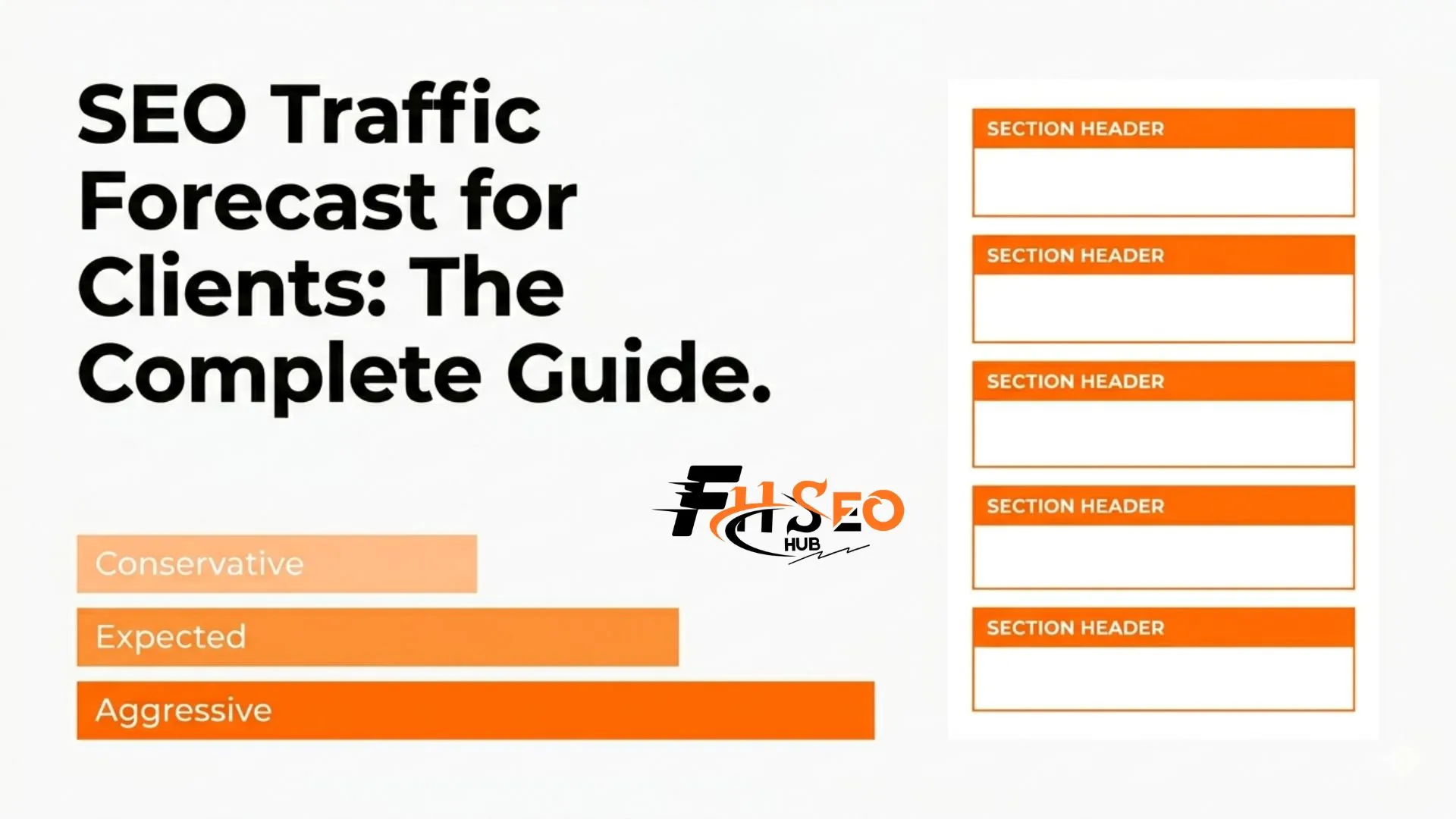
| 2 | Forecast Scenarios | 1–2 pages | Three ranges: conservative, expected, and aggressive. Each shows traffic, leads, and revenue — and what would need to be true for that scenario to happen. |
| 3 | Keyword & Cluster Breakdown | 2 pages | Topic groups with search volume, current position, target position, and projected traffic contribution. Built in Google Sheets, exported to Slides. |
| 4 | Timeline & Milestones | — | Month-by-month projection chart with scenario bands. Connects your content and link plan to expected results. Builds more confidence than a single number ever will. |
| 5 | Assumptions & Data Sources | — | Documents CTR benchmarks used, conversion rate assumptions applied, and where the data came from. Transparency that separates credible forecasts from challenged ones. |
Why Three Scenarios Beat a Single Number Every Time
Presenting one projected traffic number is one of the most common mistakes in client SEO reporting. It forces the client to treat that number as a guarantee. When real traffic comes in at 80 percent of projection, even strong results feel like underperformance.
Three scenarios protect your credibility and help clients understand how SEO works:
Conservative: Rankings improve more slowly than planned, competitive pressure stays high, and AI Overviews continue reducing CTR on informational queries. This is the realistic floor.
Expected: Planned content is published on schedule, rankings improve within normal timelines, and current CTR benchmarks hold. This is what you genuinely project if execution is consistent.
Aggressive: Faster ranking gains, new content outperforming benchmarks, and favorable SERP conditions. This is the upside if both execution and external conditions align.
When you present this in Google Slides or Microsoft PowerPoint, each scenario gets its own column. After the first quarter of data arrives, the client can see which scenario they are tracking toward. The forecast becomes a navigation tool rather than a source of tension.
How to Use the Forecast to Justify SEO Pricing and Budget
This is where the forecast stops being a reporting document and starts being a business development tool. Done right, it makes pricing conversations almost effortless.
The calculation is straightforward:
Example: 8,000 projected monthly visits at a 2 percent conversion rate produces 160 leads per month. At a 15 percent close rate and $2,000 average deal value, that is $48,000 in monthly pipeline from SEO alone.
If your SEO retainer costs $4,000 per month, the forecast shows a 12x return on investment at the expected scenario. That single calculation shifts the entire conversation from “why are we paying this much” to “how do we grow this faster.”
Clients who see their SEO investment framed as an ROI model renew far more often than clients who only see a monthly traffic chart. This is the most important practical reason to build the revenue connection into every SEO traffic forecast for clients from day one.
The Report Template That Works for Every Client
Here is the exact template structure you build once and adapt for every client account. Each section has a clear purpose and a clear length limit.
Build the base model in Google Sheets. Run the client presentation in Google Slides or Microsoft PowerPoint depending on which format the client prefers for meetings. Export as a PDF for the follow-up document their team shares internally.
For clients who want live monitoring between reporting calls, build the same framework in Looker Studio connected to their Google Analytics 4 and Google Search Console accounts. This gives them real-time visibility into actual traffic versus projected traffic without requiring them to wait for a monthly call.
Connecting Forecast to Revenue: The Tools That Make It Work
A traffic forecast that stops at visit projections misses the most important conversation entirely. Here is how to build the revenue layer using the tools most clients already have.
Google Analytics 4
Filter to the organic search channel and pull the organic conversion rate by landing page type. This gives you different conversion assumptions for blog content versus service pages versus product pages, which makes your projection far more accurate than applying one flat rate across all traffic.
HubSpot and Salesforce
If the client tracks leads in HubSpot or Salesforce, ask for the organic channel close rate and average deal value from closed-won deals sourced to organic search. These two numbers are all you need to complete the revenue model. When the data comes from the client’s own CRM it carries far more weight in presentations than industry averages do.
Looker Studio
For agency clients on retainer, build a Looker Studio dashboard that shows projected traffic versus actual traffic from Google Search Console side by side. Add the conversion and pipeline value layer from Google Analytics 4 and update it monthly. Clients who can check performance between reporting calls trust the process more and ask fewer anxious questions in meetings.
Make the Forecast Do the Work
A well-built SEO traffic forecast for clients does three jobs at once: it closes proposals, it sets honest expectations before work begins and it gives both sides a shared benchmark to evaluate performance against. Build it around business outcomes, present three scenarios with clear assumptions, and connect the traffic numbers to leads and revenue using Google Analytics 4 and the client’s CRM data. The SEO professionals who master this skill keep clients longer, win more proposals and have far fewer painful performance conversations than those who report on traffic alone.