
What Are Footer Links? Do These Help in Your Website Rankings

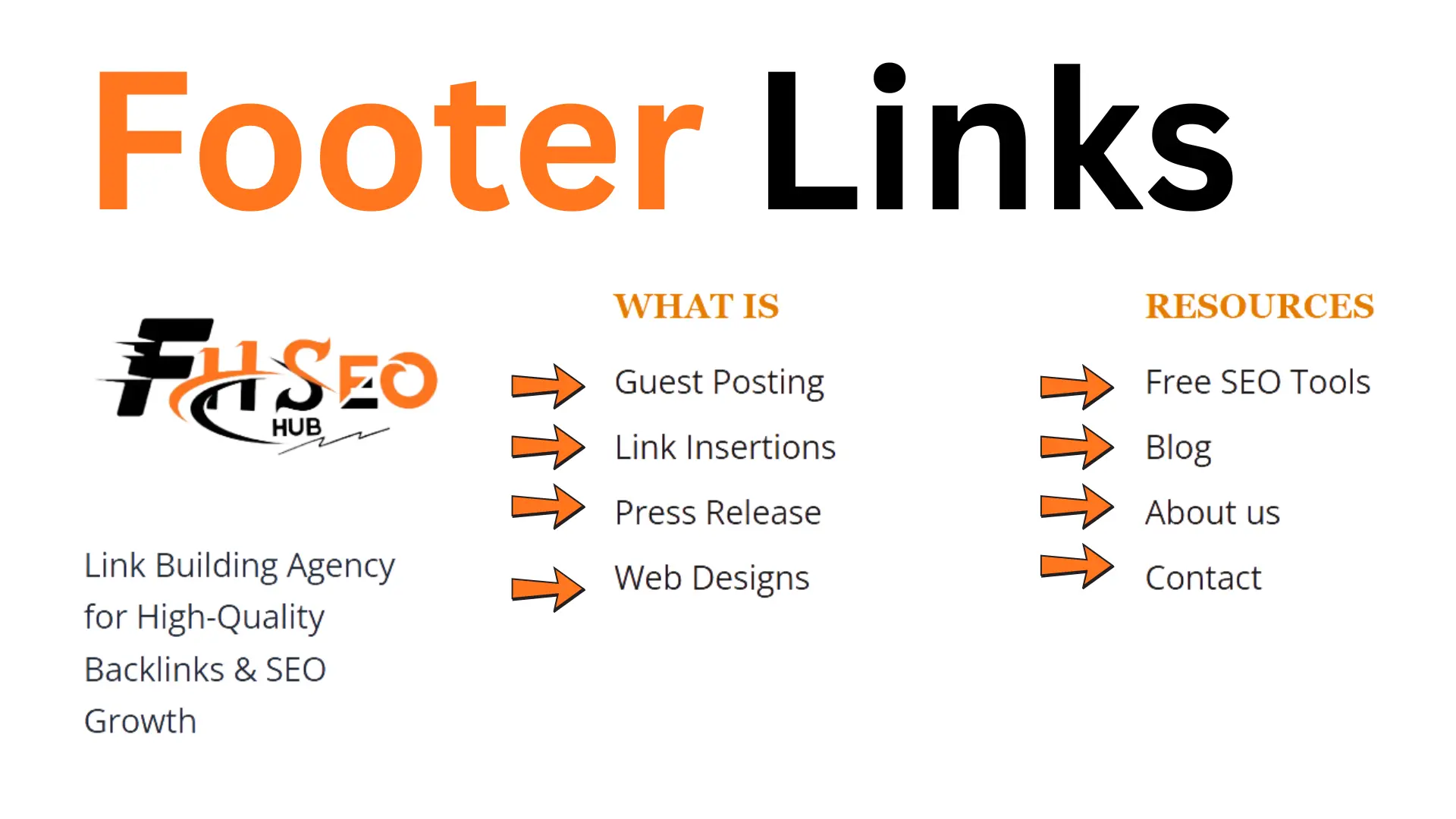
Footer links are the sitewide navigation links placed at the bottom of every page on a website, typically pointing to pages like the privacy policy, contact information, and key site sections. They carry real but limited SEO value, and the most common mistake isn’t using them at all, it’s misunderstanding which nofollow practices around them are outdated myths versus legitimate current guidance.
What Are Footer Links?
This category covers the sitewide links appearing in the bottom section of every page, distinct from links placed within the body content itself. Because the footer renders on every page through a shared template, these are technically sitewide links, the same navigation element repeated identically across the entire site rather than a link placed intentionally within one specific piece of content. This template-driven consistency is precisely what search engines have learned to recognize and evaluate differently from a one-off, hand-placed link.
Most site footers combine internal links to core pages, boilerplate links like copyright notices and legal pages, and occasionally external links to social profiles or trusted partners, all organized within the site’s broader footer navigation structure. Site architecture in general benefits from this section functioning as a reliable, consistent anchor point, since users and crawlers alike learn to expect certain information (contact details, legal pages, sitemap access) in this exact location across every page they visit, a predictability that pure body-content navigation can’t replicate on its own.
Do Footer Links Help SEO in 2026?
Yes, but modestly, and mostly through crawlability and user experience rather than direct ranking power. Search engines have gotten very good at recognizing footer content specifically because footers have existed since nearly the beginning of web design, which means Google evaluates this section with full awareness of its sitewide, template-driven nature rather than treating each instance as a fresh editorial decision.
The genuine benefit is structural: a well-organized footer helps crawlers discover key pages efficiently and helps real visitors find information quickly, both of which support site architecture health even though the links themselves carry limited direct ranking weight compared to a link placed deliberately within relevant content.
Types of Footer Links: What to Include and What Not To)
A functional footer typically includes core navigational links (About, Contact, key service or product categories), boilerplate links (Privacy Policy, Terms of Service, copyright notice), and trust-building links (physical address, phone number, social profiles) that support both users and E-E-A-T signals simultaneously. An XML sitemap link is a reasonable inclusion too, giving both users and crawlers a direct path to your site’s full structure.
What generally doesn’t belong here: keyword-stuffed anchor text lists disguised as navigation, dozens of low-value category links added purely to build internal link count, or external links to unrelated or untrusted sites with no genuine reason for inclusion. Orphan pages, content with no other internal links pointing to it, sometimes get stuffed into a footer as a workaround, but this treats the footer as a crawlability patch rather than fixing the actual architecture problem underneath.
Internal vs. External Footer Links
Internal links pointing to your own site’s pages should stay fully followed without exception, since these are the links actually helping distribute link equity and crawl paths across your own site architecture. External links pointing to other domains deserve more scrutiny: social profile links and genuinely trusted partner or affiliate links are reasonable inclusions, but they generally warrant a nofollow attribute specifically to signal the link isn’t an unqualified editorial endorsement, a distinction John Mueller has addressed directly in Google’s own guidance.
The practical rule holds up cleanly: internal links in this section should almost never carry nofollow, while external links usually should, unless there’s a specific, deliberate reason to pass equity outward.
Do Footer Links Pass PageRank and Link Equity?
Yes, but at meaningfully reduced strength compared to contextual links inside body content. One current analysis found this category of link passes roughly 30 percent less PageRank than the equivalent contextual placement, a real, measurable gap rather than a marginal difference. Google’s own current guidance also treats different link types within this section differently rather than applying one flat discount: navigational links (Home, Contact) get minimal but standard weight, boilerplate links (privacy, copyright) are largely ignored for ranking purposes, commercial links get heavily reviewed and often discounted, and external links are treated with particular caution unless pointing to clearly trusted sources.
This type-based distinction matters practically: treating every link in this section as equally weak, or equally valuable, misreads how Google actually evaluates it. A well-placed internal navigational link genuinely contributes to crawlability and modest link equity distribution, while a commercial link stuffed into the same space chasing rankings gets discounted specifically because Google recognizes the pattern. Header links, the navigation menu at the top of the page, get evaluated under broadly similar sitewide logic, though they typically carry slightly more weight than footer placement since users and crawlers alike tend to engage with top-of-page navigation more directly. None of this meaningfully moves domain authority on its own, since that metric reflects a site’s overall backlink profile far more than its internal sitewide navigation structure.
Should Footer Links Be Nofollow?
This is where most guidance on the topic gets genuinely confused, and the confusion matters enough to address directly: there are two separate nofollow questions here, and only one of them has a real justification. Nofollowing internal links in this section specifically to “sculpt” PageRank toward priority pages is a debunked, outdated tactic, every current reputable SEO source, Ahrefs, Moz, Search Engine Land, and Google’s own engineers among them, agrees this doesn’t work the way early-2010s SEO folklore claimed and should be removed wherever it’s still in place on a site. This misconception traces back to a genuinely different era of search, when PageRank distribution worked more mechanically and site owners assumed they could redirect equity by selectively blocking internal links, an assumption that hasn’t held up as Google’s crawling and ranking systems have evolved considerably since.
Nofollowing external links pointing out from this section is a genuinely different, still-legitimate practice. Google’s own guidance recommends this specifically so the link is clearly marked as something a visitor might find useful rather than an editorial endorsement or a paid placement, the same logic Google applies to sponsored and affiliate link disclosure generally. The practical takeaway: audit your own footer navigation for internal nofollow attributes left over from outdated sculpting advice and remove them, while keeping nofollow on genuine external links pointing away from your site. A quick site-wide crawl with any standard SEO auditing tool will surface every nofollow attribute currently in place, making this a genuinely fast fix once identified rather than a major technical project.
How to Organize Footer Links Into Semantic Sections
Group links by clear purpose, company information, product or service categories, legal and trust pages, social and contact links, rather than dumping everything into one undifferentiated list. Semantic grouping like this genuinely helps both crawlers and human visitors parse the section’s structure quickly, and it pairs naturally with visual separation, distinct columns or labeled sections, that reinforces the same grouping logic for sighted users.
This structural clarity also supports entity disambiguation in a small but real way: a clearly labeled “Company” section containing your business name, address, and social profiles gives search systems consistent, easy-to-parse signals about who operates the site, reinforcing the same identity signals structured data and an About page already establish elsewhere. This consistency matters increasingly for AI-driven search systems too, which weigh consistent entity signals across a site when deciding how confidently to attribute and cite content back to a specific, verifiable organization.
Footer Links vs. Contextual Links: Which Carries More SEO Weight?

Contextual links placed deliberately within relevant body content carry meaningfully more SEO weight than sitewide navigation links, and the comparison is worth laying out directly rather than leaving as a vague impression.
| Contextual Links | Footer/Sitewide Links | |
| Placement | Within relevant body content | Bottom of every page, template-driven |
| PageRank passed | Full weight | Roughly 30% less, per current analysis |
| Google’s treatment | Evaluated as a genuine editorial decision | Evaluated as repeated, sitewide navigation |
| Anchor text signal | Strong relevancy signal | Minimal to none for repeated boilerplate links |
| Best use | Building topical relevance and authority | Site-wide navigation and crawlability |
Neither replaces the other, they serve different jobs. A genuine link building strategy built around contextual placement drives real authority, while a well-organized footer supports the crawlability and user experience foundation that contextual link building then builds on top of.
Footer Link Mistakes That Can Hurt Your Rankings and SEO
Keyword-stuffed anchor text, packing city or service names into footer navigation purely to chase rankings, is one of the most common and most easily flagged mistakes, since this pattern reads as manipulative to both users and current spam detection rather than as genuine navigation. A local business listing ten variations of “plumber [city name]” across a dozen links is a textbook example most experienced practitioners recognize immediately, and it draws exactly the kind of scrutiny it’s trying to avoid. Excessive link count is a related problem: cramming dozens of links into this section dilutes whatever modest link equity it does pass and creates genuine crawl budget waste on large sites, since crawlers spend resources processing repetitive sitewide content instead of unique page-level content.
Leftover internal nofollow attributes from outdated PageRank sculpting advice quietly suppress link equity distribution across your own site architecture without any offsetting benefit, a mistake worth checking for specifically since it often survives multiple site redesigns without anyone noticing it’s still there. Inconsistent footer content across page templates, different versions rendering on different site sections, creates both a user experience problem and a technical inconsistency that complicates crawlability for no real gain, often the result of a partial redesign that updated some templates but not others. At scale, a sudden large batch of sitewide links pointing outward can also trigger genuine link spam scrutiny, a risk that lands very differently depending on site size: a handful of new sitewide links barely register for an established site with thousands of existing referring domains, but the same pattern looks suspicious fast for a newer site with a thin existing backlink profile. In the most severe cases, a pattern of manipulative sitewide link exchanges can contribute to a manual action from Google’s spam team, though this typically requires a genuinely systematic pattern across many sites rather than one site’s own footer alone.
Footer Link Best Practices
Keep this section focused and purposeful, every link should serve a genuine navigational, legal, or trust-building purpose rather than existing purely to pad internal link count. Use descriptive, natural anchor text rather than exact-match keyword phrases, since the same manipulation-detection logic that flags keyword stuffing in body content applies here too, just with less potential upside given how heavily this section already gets discounted.
Keep internal links fully followed, remove any leftover sculpting-era nofollow attributes, and reserve nofollow specifically for external links where it’s genuinely warranted. Audit your Google Search Console coverage and crawl data periodically to confirm this section isn’t accidentally creating duplicate or thin-content crawl paths, and keep the total link count reasonable, since a shorter, well-organized list consistently outperforms an exhaustive one for both usability and the modest SEO value this section can realistically deliver. Review this navigation whenever you run a broader site audit rather than treating it as a set-it-and-forget-it element, since business changes, new locations, discontinued services, updated legal requirements, all eventually need to be reflected here too.
Footer Links and Local SEO (NAP Consistency & Google Business Profile)
For any business with a physical location or service area, this section is one of the most reliable places to reinforce NAP consistency, name, address, and phone number matching exactly across your site and your Google Business Profile listing. Inconsistent NAP information between your footer and your Business Profile is a well-documented local SEO trust signal problem, since search systems cross-reference this data when evaluating whether a business listing is genuinely accurate and current, and even small formatting mismatches, a suite number included on one and omitted on the other, a phone number formatted differently, can introduce enough ambiguity to weaken that cross-referencing signal.
Including a direct link to your Google Business Profile alongside consistent NAP details in this section reinforces the same entity signals local search increasingly relies on, functioning as a small but genuine trust-building element rather than pure decoration. Multi-location businesses face a real additional complexity here: a single sitewide footer showing one location’s NAP details doesn’t serve a multi-location business well, and the more scalable approach usually involves either a dedicated locations page linked prominently from this section or, for businesses with just a handful of locations, listing each one’s NAP details clearly rather than defaulting to whichever location happens to be the headquarters.
Real-World Footer Link Examples (Amazon, Apple, WebFX)
Amazon’s footer is a well-known example of the expansive approach, dozens of category and program links organized into clearly labeled columns, reflecting the sheer breadth of the business rather than a mistake in restraint. This works specifically because the labeling and grouping stay disciplined even at scale, each column has a clear, singular purpose, shopping categories, account and orders, customer service, partner programs, rather than becoming an undifferentiated link dump where a visitor has to hunt for what they actually need.
Apple’s footer sits at the opposite end, deliberately minimal, reflecting a narrower product catalog and a design philosophy that treats restraint itself as a brand signal. The links present tend to focus tightly on shop categories, support, and the standard legal and account boilerplate, with none of the sprawling program or affiliate links a marketplace business like Amazon needs to surface. WebFX, as a digital marketing agency, structures its footer around service categories, resource links, and trust-building contact and social information, a pattern typical of service businesses where the footer needs to support both navigation and credibility-building simultaneously, since a prospective client scanning the bottom of the page is often specifically looking for proof of legitimacy alongside basic navigation.
The throughline across all three: the right footer size depends entirely on genuine site breadth, not a fixed template, but the labeling discipline that makes a large footer usable is non-negotiable regardless of scale. A business with Amazon’s catalog breadth but Apple’s minimal footer discipline would frustrate users trying to find a specific program page, just as a business with Apple’s narrow catalog but Amazon’s sprawling footer would look disorganized and padded for no functional reason.
Mobile Footer Design Considerations
Mobile screens force real prioritization decisions this section doesn’t face on desktop, a footer that works as an expansive, multi-column layout on desktop needs genuine restructuring, not just automatic stacking, to stay usable on a small screen. Collapsible accordion sections are a common, effective solution, letting users expand only the category they actually need rather than scrolling through a long undifferentiated list, and this same pattern conveniently keeps the underlying HTML structure and its links fully intact for crawlers even while visually collapsed for users.
Touch target size matters more here than desktop click precision ever required, since cramped mobile navigation links create genuine usability friction that a desktop cursor never encounters, and links spaced too tightly together on a small screen produce mis-taps that frustrate users navigating a phone with a thumb rather than a precise cursor. Given how much search traffic now originates on mobile devices, a footer that becomes unusable clutter on a small screen undermines the same user experience signals this section is meant to support in the first place, making mobile testing a genuine requirement rather than an afterthought for any redesign touching this part of the site.
Conclusion
Footer links are a real but modest SEO tool, valuable for crawlability, user experience, and local trust signals, not a lever worth over-engineering in pursuit of ranking gains this section was never built to deliver. Keep internal links followed, reserve nofollow for external links where it’s genuinely warranted, organize this navigation into clear semantic sections, and resist the urge to pad it with keyword-stuffed links chasing a benefit the current evidence doesn’t support. Get the structure right for the humans using it, and the modest crawlability and trust benefits follow naturally.
FAQs
Yes, modestly, primarily through improved crawlability and user experience rather than direct ranking power, since this category of link passes meaningfully less PageRank than a contextual link placed within relevant body content.
Internal links pointing to your own site should stay followed, removing any leftover nofollow attributes left from outdated PageRank sculpting advice. External links pointing to other domains generally should carry nofollow, signaling the link isn’t an unqualified editorial endorsement.
Avoid keyword-stuffed anchor text lists, excessive category links added purely to pad internal link count, and external links to untrusted or unrelated sites with no genuine reason for inclusion.
Yes, but at a reduced rate, one current analysis found this category passes roughly 30 percent less PageRank than an equivalent contextual link inside content, and Google further discounts certain link types within this section, like boilerplate and commercial links, more heavily than navigational ones.
Yes. Excessive link count dilutes the modest link equity this section passes, creates crawl budget waste on larger sites, and at extreme volume can read as a manipulative pattern rather than genuine navigation.
There’s no fixed number, the right count depends on genuine site breadth, but a shorter, clearly organized list consistently outperforms an exhaustive one for both usability and the limited SEO value this section realistically delivers.


