Multi Location SEO: How to Rank Every Location in Google Search and Maps

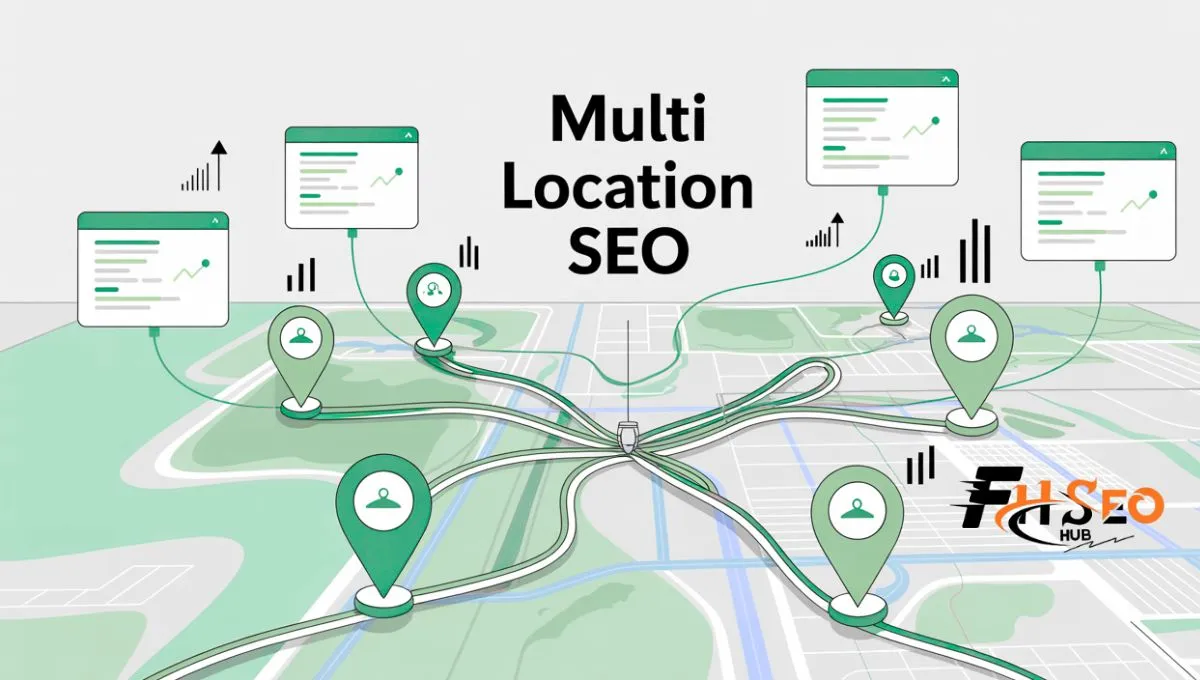
Multi location SEO is the practice of optimizing every branch of a business to rank in local search and Maps without locations competing against each other. It combines unique location pages, well-managed Google Business Profiles, consistent business data, and active review management. Done right, every branch earns its own visibility instead of splitting one brand’s authority across weak listings.
What Is Multi Location SEO?
Multi location SEO helps a company with many branches show up when people search in different cities. The goal is simple: each location earns visibility for its own service area. A strong setup creates one clear page and one clear listing for every branch, then keeps both accurate as the business grows.
Retail chains, clinics, restaurants, and franchises all need this because customers choose the closest convenient option fast. Service businesses that travel to the customer, like plumbers or cleaners, need a different version of the same discipline, since they rarely have a public storefront to anchor a listing around.
Why This Gets Hard to Get Right at Scale
Scaling locations creates thin pages, mixed signals, and messy listings across directories. Most brands hit the same wall: templates that only swap the city name, and rankings that stall the moment Google notices the pattern.
Many teams copy one page and change the city name, assuming volume will carry every branch. Others centralize marketing so heavily that local staff never touch a listing, which leaves profiles stale and inactive. The businesses that succeed treat each location as its own small entity with a shared brand behind it, not one big brand wearing different city names.
How Google Evaluates Multiple Locations
Google ranks each branch on relevance, distance, and prominence, evaluated separately for every storefront rather than once for the whole brand. A national name helps, but it does not override weak signals at an individual location.
Relevance now works more like entity matching than keyword matching. Google checks whether your primary and secondary Google Business Profile categories align across every branch, then looks at which services each specific location offers, since capabilities often vary by storefront. Distance stays outside your control entirely. Google prioritizes the searcher’s real location or the location named in the query, and no amount of optimization changes that.
Prominence is where multi location brands win or lose. It comes from review volume, freshness, and sentiment at each branch, backlinks from genuinely local sources like regional news or chambers of commerce, and consistent business data across directories and mapping apps. A brand with strong national recognition can still lose a local search to a smaller competitor with better local prominence.
Build Location Pages That Deserve to Rank
Each location page must answer one question clearly: why this branch is the right choice nearby. A generic template with the city name swapped in fails that test immediately, no matter how polished the design looks.
A genuinely useful location page needs specific services offered at that exact site and real unedited photos of the storefront and team. It also needs embedded reviews from customers who visited that branch, plus answers to questions locals genuinely ask, like parking or transit access. One practical approach scales well here. Keep roughly half the page as shared brand content and company history, then populate the other half with data pulled live from each location, current hours, local reviews, and staff names.
City Pages vs Service Area Pages
A city page suits a brick and mortar business customers physically visit, so it should lead with directions, parking, and in-store services. A service area page suits a business that travels to the customer, so it should lead with the towns or postcodes served and regional case studies instead. Using a storefront template for a traveling business confuses both users and Google, so match the page type to how customers genuinely reach you.
Avoid the Doorway Page Trap
A doorway page exists only to rank for a search term, then funnels every visitor to the same generic contact page. Google treats this as manipulative, and thin pages built this way tend to rank briefly before dropping once quality signals catch up.
The fix is building pages that add real value: unique case studies, actual local pricing or advice, and content explaining how the service works in that specific community. A warning sign worth watching closely: if your team can build a new location page in under ten minutes, it’s probably too thin to hold its ranking for long.
Multi Location SEO for Service Area Businesses
A service area business, or SAB, travels to the customer instead of welcoming foot traffic, which changes nearly every rule above. Plumbers, HVAC companies, and similar trades fall into this category, and Google expects them to set up their profile differently from a retail storefront.
If customers never visit your office, Google’s guidelines require hiding your street address and using the Service Area setting instead, listing up to 20 specific towns, cities, or postcode sectors. Google still calculates your ranking from your hidden physical location, so a business based in one city cannot simply add a distant city to its service area and expect to rank there. Ranking power fades the farther a search sits from your true base, regardless of what you list.
Build a dedicated page for a specific town only when three things are true. You need staff or equipment realistically assigned there, and real search volume must exist for your service in that area. The area also needs something genuinely unique, like local housing stock or regional regulations, to give you real content worth writing. Two overlapping service areas are fine, but the underlying offices or dispatch points must be separate, legitimate addresses. Using a PO box or a rented desk to fake a second location violates Google’s guidelines and risks the whole profile.
Manage Google Business Profiles at Scale
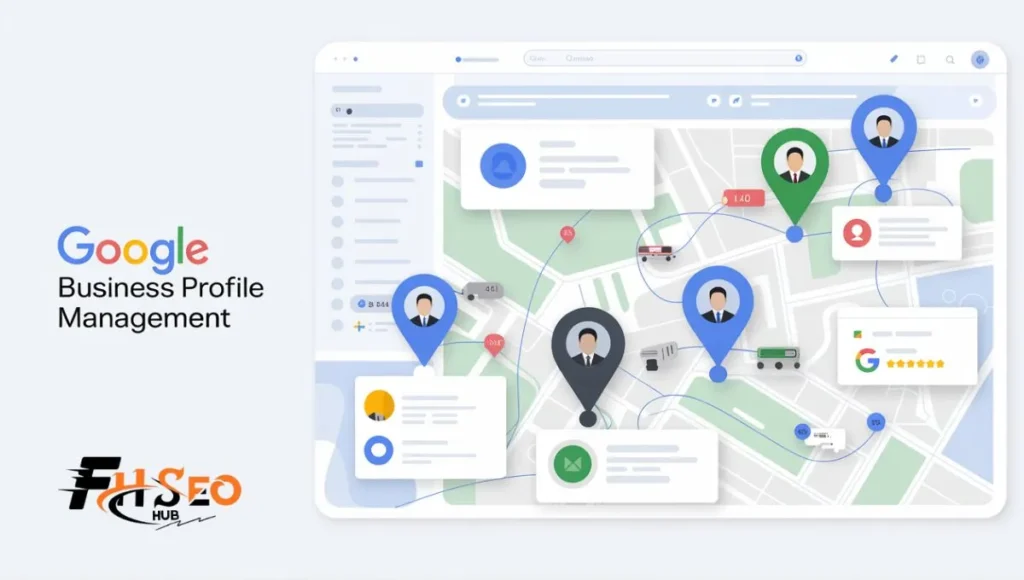
Every branch needs its own accurate, fully completed Google Business Profile, since an incomplete one increasingly costs visibility in both classic search and AI tools. Managing this across dozens of locations requires a real system, not individual logins per branch.
Brands with ten or more locations under one name can submit bulk verification through a single spreadsheet with unique store codes. Business groups let you organize locations by region so teams can update shared details together. Access levels matter for control. Give centralized owners full authority, regional managers the ability to edit hours and descriptions, and local staff a narrow permission set limited to replying to reviews and uploading photos.
Category choice carries more weight than most brands realize. The primary category should match local demand, which sometimes means the same brand uses a different primary category in different markets. Secondary categories should only add genuine detail, since loosely related categories dilute relevance instead of expanding it. A common mistake here: applying the same category set everywhere out of convenience, then wondering why one market underperforms for searches the location genuinely serves.
NAP Consistency and Citation Management
Name, address, and phone number consistency matters less for the exact spelling today. It matters more for entity disambiguation, helping Google confirm that different mentions across the web point to the same physical branch. Conflicting data splits a location’s authority instead of building one strong profile.
Keep a single master reference file for every location’s exact formatting, then push that same data to your Google Business Profile, your website’s schema, and your visible footer text. Not every directory deserves equal attention. Prioritize the major mapping platforms and primary data aggregators first, since those carry the most algorithmic trust. Industry-specific directories relevant to your field come second. Generic, low-traffic web directories rarely justify the cleanup effort, so deprioritize them rather than chasing every listing on the internet.
Reviews as a Ranking and AI Visibility Signal
Reviews now function as both a ranking signal and raw material AI tools read directly when deciding which business to recommend. Google evaluates volume, velocity, average rating, and how consistently you respond, not just your star average alone.
A steady weekly trickle of new reviews signals an active business far better than a sudden burst followed by months of silence. Responses matter as much as the reviews themselves, since Google indexes your reply text the same way it indexes any other content on the page. A generic thank you template adds nothing, while a specific reply mentioning the actual service performed adds real, verified context.
Review manipulation now gets caught fast. Setting up a review kiosk connected to your store’s guest Wi-Fi routinely triggers spam detection. The same is true for asking staff to collect reviews on the spot from customers still on site, which can freeze an entire profile. Corporate policies that push staff to hit review quotas or ask customers to name employees by name in public reviews now violate platform terms directly.
How AI Search Is Changing Multi Location Visibility
AI Overviews and conversational search tools now use Google Business Profile data as a primary source when answering local questions, which means an incomplete profile is a visibility problem, not just a conversion one. If your data is thin, AI tools skip your branch in favor of a competitor with a fuller profile.
These systems cross-reference your profile, your website, your reviews, and any social mentions to build one picture of what each branch offers. A mismatch, like a website claiming a service the Google Business Profile never mentions, reads as a conflict AI tools resolve by trusting neither source fully. The practical fix is consistency across every channel, not just the website or just the profile.
A location with fewer total reviews that mention specific, concrete details often gets recommended by AI ahead of a competitor with thousands of generic five-star ratings and no real substance behind them. Specific, honest local content beats volume in this new layer of visibility, the same way it increasingly does in classic search.
Track Performance by Location
Multi location tracking has to separate results branch by branch, since one strong market can hide a struggling one in blended reporting. Set up conversion tracking for calls, form leads, bookings, and direction requests wherever the platform allows it.
Watch local visibility for priority terms in each city, review volume and rating trends per location, and engagement on individual location pages, including clicks to directions and call buttons. Reporting by location, rather than one combined dashboard, is what lets a team fix the weakest branch without losing sight of what the strongest one is doing right.
Common Mistakes That Sink Rankings Across Every Branch
Most multi location problems trace back to a handful of repeatable mistakes rather than bad luck, and fixing the root cause tends to lift every branch at once rather than just one.
Copy-pasted location pages with only the city name changed stall rankings across the board once Google notices the pattern. Wrong or inconsistent categories quietly cut relevance for the exact searches a location should win. Centralizing every decision so tightly that local staff cannot post a photo or reply to a review leaves profiles looking abandoned. Letting review requests slide until a customer complains is a close second, since silence reads as inactivity to both Google and AI tools. None of these require a large fix, just clear ownership and a standard everyone genuinely follows.
The Bottom Line
Multi location SEO comes down to treating every branch as its own small business that happens to share a bigger brand behind it. Fix Google Business Profile accuracy and data consistency first, since that lifts every location at once. Build genuinely local pages, keep reviews active, and check how each branch shows up in AI tools, not just classic search. The brands that win are the ones with the discipline to keep every single location current, not just the flagship ones.
FAQs
Yes. Each physical location needs its own profile with accurate, unique categories and a link to its matching location page, never a shared profile or a link to the generic homepage.
Create one page per real branch with a genuine physical presence or dispatch point. For service area businesses, only add a city page when staff, search volume, and genuinely unique local content all justify it.
Most brands succeed with one domain and subfolders, since it keeps ranking authority unified and internal linking simple. Subdomains or separate domains only make sense for very large brands with fully separate regional teams.
Use real local details, unique photos, specific services, and location-specific reviews, and keep only a small shared section of brand content identical across pages. A rough half-and-half split between fixed and location-specific content tends to work well at scale.
A service area business hides its street address on Google Business Profile and lists specific towns or postcodes it serves instead. Ranking power still traces back to the hidden physical office, so distant service areas rarely rank as well as nearby ones.
Yes. AI Overviews and similar tools pull heavily from Google Business Profile data, so an incomplete or inconsistent profile can make a branch invisible to AI recommendations even if the website itself ranks fine.
Fix data consistency and profile completeness first, since that lifts every location simultaneously. Location page quality and review activity compound from there, but they take longer to show results than a clean data foundation does.